Anatomy of a Great Org Chart: What Most Companies Get Wrong
Use this as a short health check for your org chart.
Use six traits as a practical test for whether an org chart can support daily work. Rate your current chart from 1 (nonexistent) to 5 (nailed it) and tally your score at the end.
1. Searchability over aesthetics
The prettiest org chart in the world is hard to use if finding a specific person means scrolling through nested boxes. Many readers arrive with a question (“who handles data privacy?”) and need a direct route to an answer.
Teams often invest heavily in layout, colors, and spacing. Those details cannot compensate for search that returns nothing useful. A useful org chart lets people find colleagues and see context such as role, team, and optional interests alongside the result.
The test: Can a new hire find the right person to ask about a billing issue without asking someone else to route them? Set a time target that makes sense for your team, then test it with a real question.
Scoring: 1 = no search at all. 2 = Ctrl+F on a PDF. 3 = searchable by name only. 4 = searchable by name, team, and department. 5 = searchable by name, team, skill, and keyword.
2. Profile depth
Consider the difference. A chart showing name, title, and department gives you three data points per person. A chart showing name, title, department, skills, interests, current projects, and contact info gives you a full picture of who this person is and what they can help with.
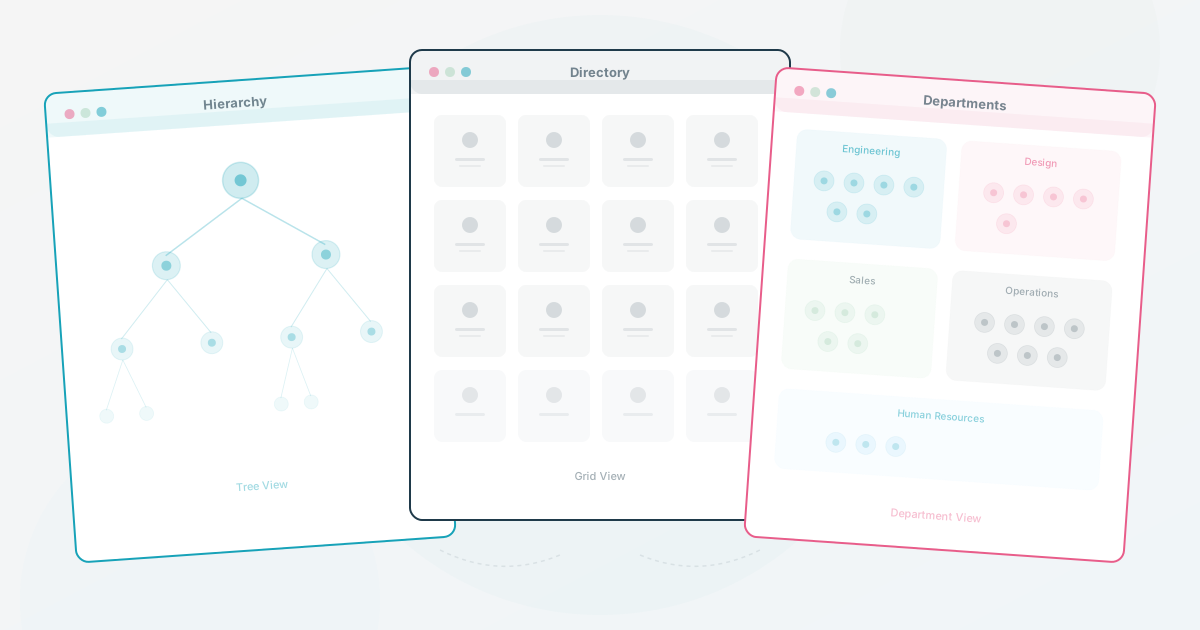
The first is a hierarchy diagram. It answers one question: “who reports to whom?” The second is a people directory. It answers dozens: “who knows Python?”, “who’s working on the rebrand?”, “who’s also into running?”
Few org charts go beyond the hierarchy diagram. Enough for leadership presentations, but nowhere near enough for daily work. When profiles include skills and expertise, the chart becomes a tool employees open mid-project, not something they glance at once during onboarding and forget.
The test: Pick a random person on your chart. Can you tell what they’re working on and what they’re good at without clicking away to another tool?
Scoring: 1 = name and title only. 2 = name, title, department. 3 = adds photo and contact info. 4 = adds skills or current projects. 5 = full profile with skills, interests, description, and contact methods.
3. Freshness
One way to tell whether an org chart is still trusted: look at the most recent change. If the last update was weeks or months ago, people may stop relying on the data and route questions elsewhere. Ask a few employees whether they would check the chart before posting in Slack.
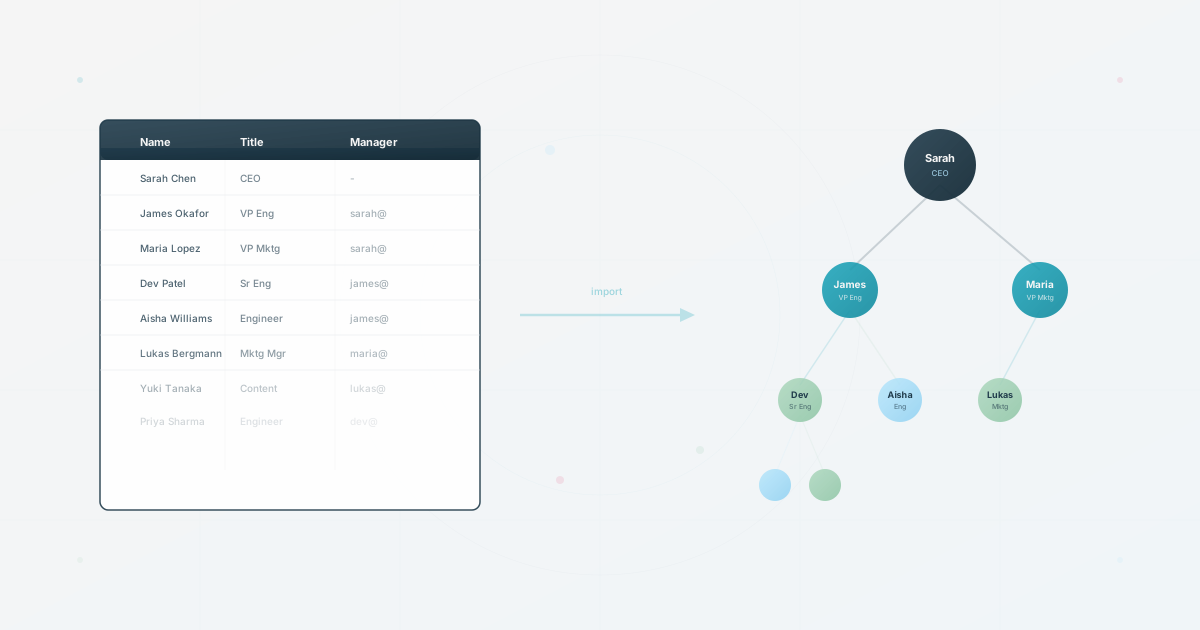
A last-updated label helps people judge the information, but it does not keep the chart accurate. A better workflow connects the chart to a source of truth, such as an HRIS export, a CSV, or a manager update, and gives someone responsibility for checking changes.
Ask any team lead: “Is the org chart accurate right now?” If they hesitate, record which relationship or field they cannot verify and fix that failure first.
Scoring: 1 = no reliable update signal. 2 = reviewed quarterly. 3 = reviewed monthly. 4 = reviewed within the change cadence the team needs. 5 = a documented sync or re-import workflow with an owner and an exception check.
4. Multi-audience design
A CEO looking at organizational structure and a new hire looking for a teammate have different needs. Forcing both into the same view can make the chart too detailed for leadership or too sparse for employees.
Keep one underlying dataset and create different views for different audiences. Leadership can see headcount and reporting lines. Employees can see skills, contact info, and projects. External partners can see a simplified structure without sensitive details.
One dataset, multiple lenses. The design principle that makes org charts work across an entire organization.
Ask one practical question: do you maintain more than one version of the org chart for different audiences? If those versions are separate files, you are doing double the work and accepting less accuracy.
Score yourself: 1 = one chart, one audience, take it or leave it. 2 = multiple separate files for different audiences. 3 = one chart with basic filtering. 4 = multiple views from one dataset with different detail levels. 5 = role-based views with per-audience access controls.
5. Photos and humanity
It sounds like a nice-to-have. It’s not.
Photos can make an org chart easier to recognize and browse. Without them, the chart is an abstract structure: boxes connected by lines. With them, it can feel more like a directory of real people. This may matter more in remote and hybrid companies, where many employees have never met face-to-face, but photo sharing should always be optional and governed by your privacy rules.
Adding a personal detail (an interest, a hobby, a fun fact) can make the chart more useful to browse, but only when people choose to share it and the audience understands why it is there. Treat that as a testable design choice, not a guaranteed adoption lever.
What percentage of profiles on your chart have a photo? Record the number as a baseline, then choose a completeness target that fits your team and privacy rules.
1 = no photos. 2 = few profiles have photos. 3 = the team has established a voluntary baseline. 4 = most willing participants have photos. 5 = photos plus at least one optional personal detail on profiles where people want to share it.
6. Ease of update
This determines whether everything above stays true over time. A chart can launch with deep profiles, great search, and real photos, then rot within a quarter if updating it requires manual effort from an already-stretched HR team.
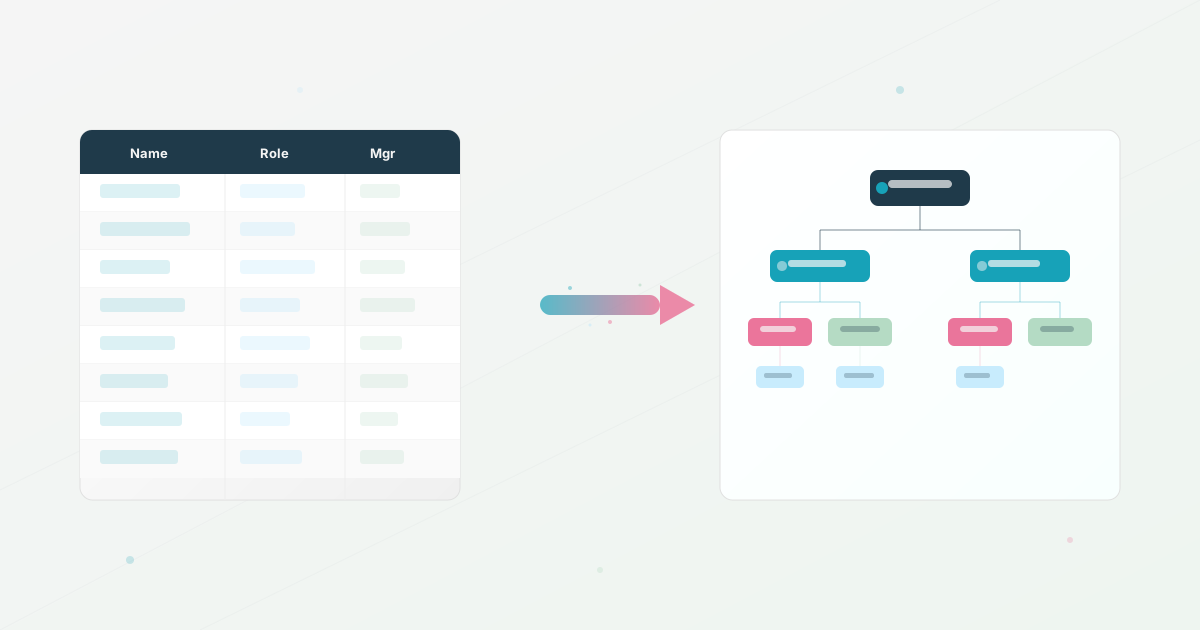
Ask yourself: what happens when three people change teams in the same week? If the answer involves opening a slide deck, moving shapes around, and re-exporting a PDF, record how long the update takes and how many copies need checking. If the answer is “re-import the spreadsheet” or “it syncs automatically,” verify that the workflow handles additions, departures, permissions, and exceptions before relying on it.
Static tools (slides, diagrams, design apps) make every change a manual task. A data-connected workflow keeps the chart connected to real data, which makes the update path easier to repeat. The tooling choice should follow that workflow.
Three people changed teams this week. How long until the chart reflects that? Hours, days, or “whenever HR gets to it”?
Rate yours: 1 = requires opening a design tool and redrawing. 2 = manual edits in a shared doc or spreadsheet. 3 = manual edits in a dedicated tool. 4 = re-import a CSV with a documented validation step. 5 = monitored HRIS sync with a clear owner for exceptions.
Now tally your scores. Add up the six numbers. These are example bands, not a universal benchmark: 24-30: strong enough to test with real employee questions. 18-23: a solid foundation with gaps to prioritize. 12-17: recurring friction is worth measuring. Under 12: start with searchability and freshness. Calibrate the bands after a few people use the scorecard, because the right threshold depends on the work your team needs the chart to support.
For a more interactive version, the org chart scorecard walks you through a structured assessment in 2 minutes.
Use this today
Run the health check with one real request
Leave the exercise with a six-part baseline and the first two fixes to make.
- 01
Choose a real question someone asked in the last month, such as who owns billing or data privacy. Test how long it takes a new hire to find the answer.
- 02
Open five profiles at random. Mark the fields that are missing, stale, or too vague to help someone decide who to contact.
- 03
Score search, profile depth, freshness, audience views, photos, and updating from 1 to 5. Write one example beside every score below 4.
Pass / fail check
Fix search or freshness first when either score is 2 or below. A prettier layout can wait until people can trust the answers.
Questions readers ask most