Org Chart Best Practices: Build One People Actually Use
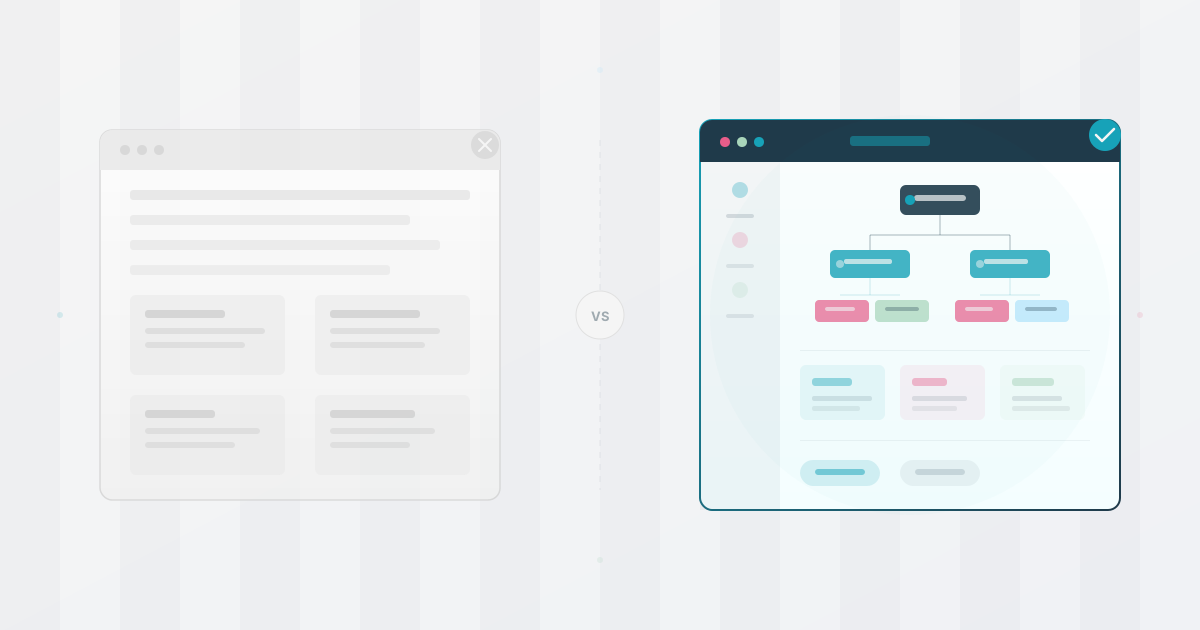
HR teams can spend substantial time keeping an org chart current. If the chart is maintained as a static PowerPoint or Visio drawing, a structural change may require moving shapes, checking reporting lines, and redistributing a file that can be stale by the time anyone opens it. Some tools support data-linked updates, so test the actual workflow before assuming the drawing is manual.
How to build one people actually open. If you are starting with a spreadsheet, begin with our seven-step guide to creating an organizational chart, then use these principles to make the result useful after launch.
Start With Who’s Using It
Many org charts are built for an executive review, which can leave everyday employee questions underserved.
The content can be fine. The problem is assuming one view works for everyone. An executive checking spans of control and a new hire trying to figure out who to ask about the payments API have different jobs as consumers of organizational data. One static PowerPoint serves neither well.
The fix: treat the org chart as a single data source with multiple views. Leadership sees structure. Employees see a searchable directory. New hires see a navigable map.
Pick a Structure That Matches Your Stage
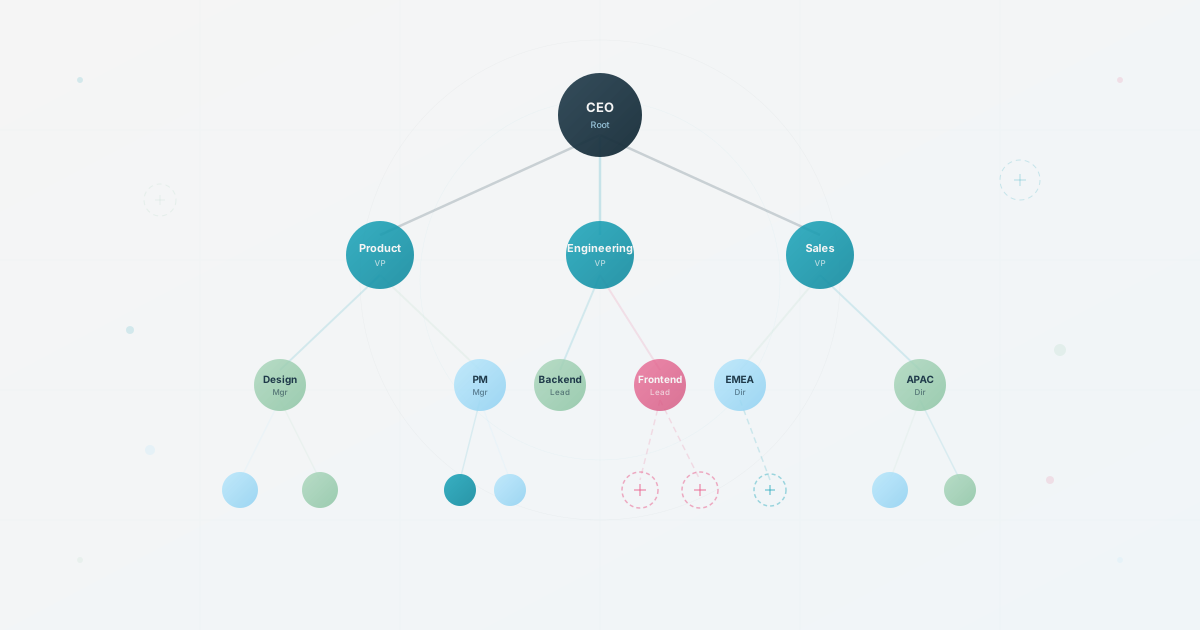
Many org charts start with a strict top-down hierarchy. For a growing company, a department-based structure (grouped by function first, then by manager) can be a useful starting point when employees need to navigate clear ownership. It is clear enough to navigate and flexible enough to evolve as teams split and merge. If your company spans multiple locations, consider nesting by region first, then by department. For a deeper breakdown of stage-based heuristics, our guide by company stage covers the trade-offs.
Kill the Manual Update Cycle
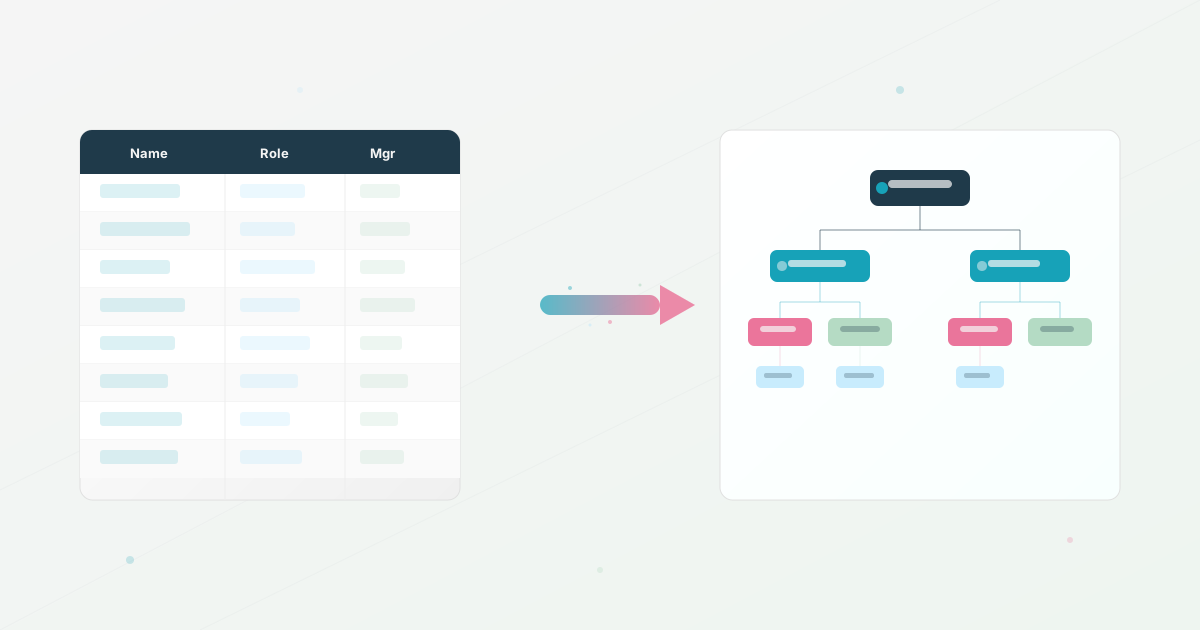
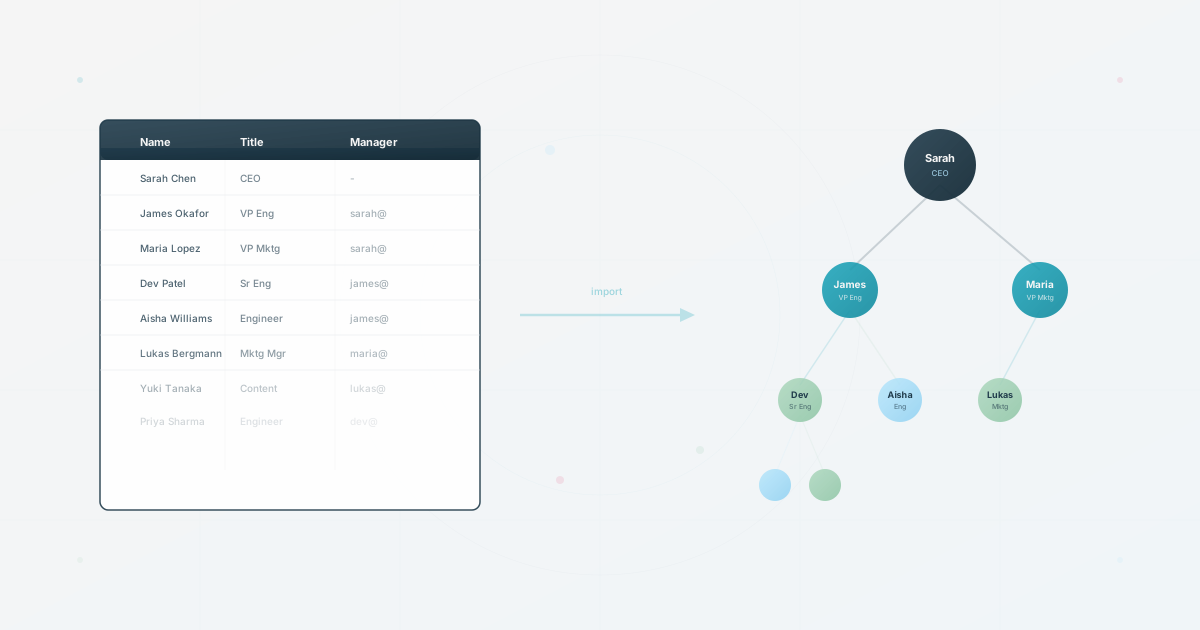
If your chart lives in a static file, measure the recurring update work before changing tools. Import from the spreadsheet you already have, then test whether the chosen workflow validates and publishes changes without redrawing the diagram.
Quick litmus test: can a manager update their own team without filing a request to HR? If not, each team change can create a bottleneck, and the chart may stay stale until HR gets to it.
Enrich Profiles Before You Launch
A chart with just names and titles will get opened once and forgotten. Before you share it, add the data that makes people want to come back. What to include in each profile and why it matters is worth thinking about carefully before you hit “share.”
At minimum, add department, location, and a description of what each person works on. If your tool supports it, add skills and interests too. The difference between a chart people ignore and one they bookmark often comes down to whether there’s enough context on each profile to answer “should I talk to this person?”
Make It Findable on Day One
A common failure: building a great chart, then burying it in a shared drive.
Pin the link in your main Slack channel. Add it to your onboarding checklist. Include it in the welcome email every new hire receives. If people have to search for the chart itself, they’ll never use it to search for people.
For the ongoing quality criteria that keep a chart useful over time (searchability, freshness, multi-audience design), the org chart scorecard breaks it down in two minutes.
Launch Day: The First 30 Minutes
You’ve built the chart and checked the data. The next step determines whether it becomes a habit or a forgotten link.
Minute 0-5: Share the link in your main Slack channel with one line: “New org chart. Find people using the fields this directory supports. Let us know if anything is wrong.” No fanfare. No long explanation.
Minute 5-15: Send it directly to three team leads and ask one question: “Is your team accurate?” They can spot team-level errors quickly, and the act of checking gives them a clear correction path.
Minute 15-30: Add the link to three places: your onboarding doc, your company wiki’s sidebar, and your Slack channel description. If it takes more than one click to find, people may default to posting in #general instead.
The chart is ready for a first review. Publish it only after the owner has checked the source date, access rules, and the corrections that team leads returned. That feedback loop is the whole point.
Use the six-trait org chart health check when you want to test whether the first version is useful beyond its visual layout.
Use this today
Leave launch day with an owner and a feedback loop
Leave the exercise with a usable source file, a named owner, and a correction path.
- 01
Write down the three audiences that will use the chart and the one question each audience needs answered.
- 02
Choose one primary reporting relationship. Keep team, project, or location groupings as separate fields so a reorganization does not destroy the source data.
- 03
Start with employee ID, name, title, and manager ID. Import that file, ask three team leads to check their teams, and record the corrections.
- 04
Put the chart link in the onboarding guide and the main team space. Assign one person to review corrections every week for the first month.
Pass / fail check
Launch is ready when a non-HR employee can find the chart in one click and knows where to report an error.
Questions readers ask most