Why Your Employees Can't Find Each Other (And What It's Really Costing You)
Someone needs to talk to the person who understands the billing infrastructure. Simple enough. But if there is no directory that tracks expertise, the request can turn into a chain of Slack messages and forwarded introductions. The longer the route, the more likely the project is to proceed without the right context.
The frustrating part: the expertise existed internally the whole time. Multiple people could have helped. There was just no way to know.
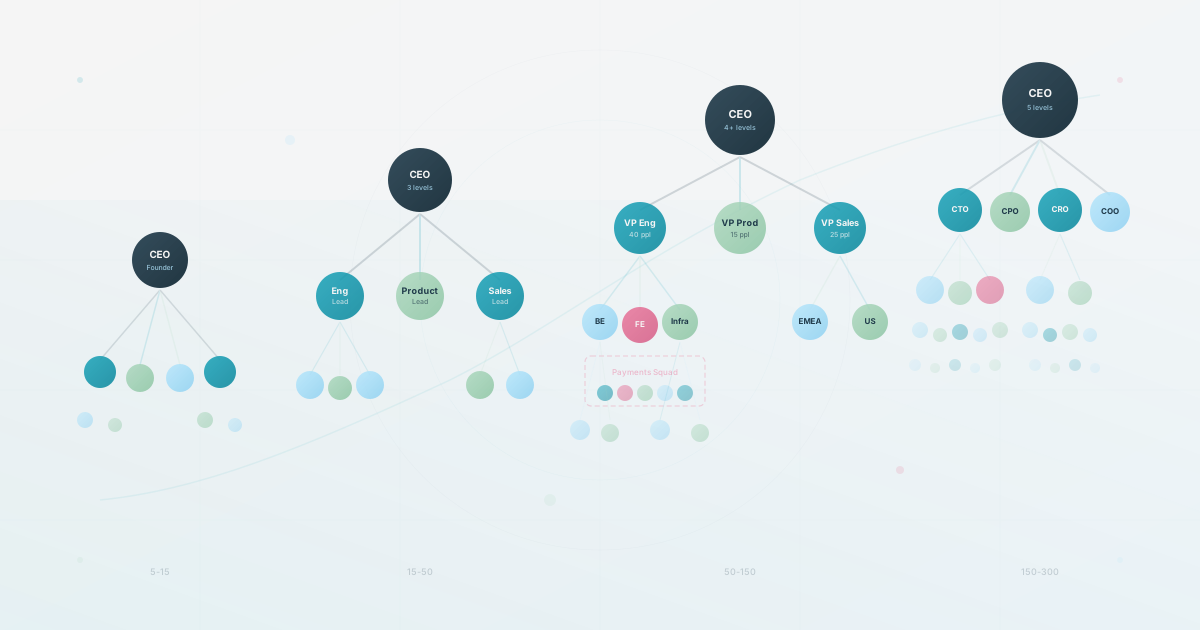
As a company grows, informal networks cover less of the work. People are not unhelpful. The organization is simply harder to see from any one person’s desk.
Start With a Local Routing Sample
Finding a colleague is often mixed together with finding a document, checking ownership, or waiting for a reply. That makes broad productivity statistics hard to apply to one team. A short local sample is more useful.
For example, if 20 people spend 20 minutes each week routing internal questions, that is about 347 hours a year. Replace the example with your own headcount and observed time. Keep routing work separate from document search so the fix matches the problem.
Repeat the sample after a reorganization or other meaningful change. In a small team, people may answer through memory. Later, the same question can cross departments, time zones, and reporting changes. The cost is the extra routing, not a particular headcount threshold.
Where the Real Directory Lives
The obvious answer is “we need a better org chart.” That helps, but it’s not the full picture.
Companies manage their directory through a combination of tools that each solve the wrong problem: an HRIS that has accurate data but nobody can search, a Slack workspace where people exist but are not organized, and an org chart PDF that was accurate three months ago. None of them answer the question employees keep asking: “Who in this company can help me with X?”
Organizations change through promotions, team splits, new hires, and departures. Documentation can fall behind, leaving a gap between reality and what is written down.
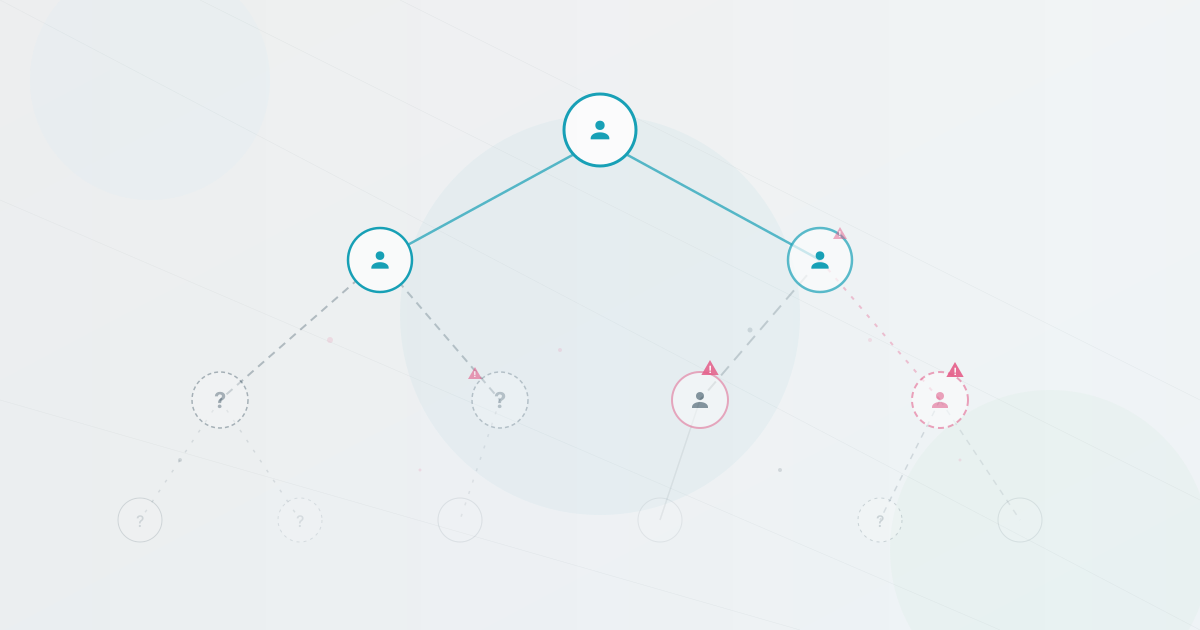
So the real directory can end up living in people’s heads. A request may be routed through a colleague who remembers who used to own the Payments work, then stall when that person is away or the team has changed. When the route depends on one person’s memory, the organization should treat that dependency as a discoverability risk.
Shorten the route to an answer
Imagine you just joined a distributed company. You need to figure out who handles compliance for the DACH region. Without a searchable directory, you post in a Slack channel and wait. Someone may reply, tag the wrong person, or point you to an old document.
With a directory that indexes the right context, you might search “DACH compliance” and see a name, a description of what they work on, and a way to contact them. If the tool searches only names and titles, that query may not work even when the description is visible on a profile. Test the questions your team actually asks against the fields the tool indexes. The important change is that the first step belongs to the person with the question, not to a chain of introductions.
What makes this work is straightforward: profiles that include what people know and work on, a system that stays current without HR manually updating it every time someone moves, and a directory that is easy enough to find that people can check it before posting in Slack. Test those three conditions in your own routing sample.
The Hidden Cost of Siloed Expertise
New hires can take longer to build an internal network when there is no directory to browse. Giving them a navigable view of the organization on day one gives them a place to start, but measure whether it changes the questions they still need to route through other people.
But the quieter cost is siloing. When finding someone in another department takes effort, people stop trying. They work with who they know. An illustrative failure mode is two engineering teams building overlapping solutions because neither team could see who else was working on the problem. The duplicated work is not necessarily a carelessness problem; it is a signal that searching for “who is working on this?” was harder than just building it yourself.
A Fix You Can Ship This Week
A low-cost first test does not require a full migration. Use these four steps to measure the problem before choosing a tool.
1. Run a quick audit
Ask five people across different teams: “If you needed help with something outside your expertise, how would you find the right person?” If the answer repeatedly routes through other people, you have a discoverability signal worth measuring. Write down the actual paths people describe. You may hear things like “I would ask my manager, who would ask their manager, who might know someone.” Count the hops and the time, then use the pattern to choose the first fix.
2. Build a basic skills directory
Open a restricted pilot sheet or directory. Create fields tied to the questions you heard, such as Name, Role, Team, Area of expertise, and Currently working on. Keep contact details and personal fields behind the appropriate access controls. Seed it with your own row and ask a small volunteer group to add theirs. Share the purpose, the audience, and the correction path. Choose the field that changes a real search result rather than assuming a fixed number of skills is best. Titles may be broad; a specific area such as “React performance optimization” may be more useful for a particular question. The small skills-mapping pilot has prompts for collecting that context without building a large taxonomy.
3. Make it findable
A directory nobody can find is the same as no directory. Pin the link in your main Slack channel (or Teams, or whatever your company uses). Add it to your onboarding checklist so every new hire sees it in their first week. Include it in the welcome email. Mention it in your next all-hands. The goal is to make “check the directory” the default reflex before “post in Slack and hope someone answers.”
4. Upgrade when ready
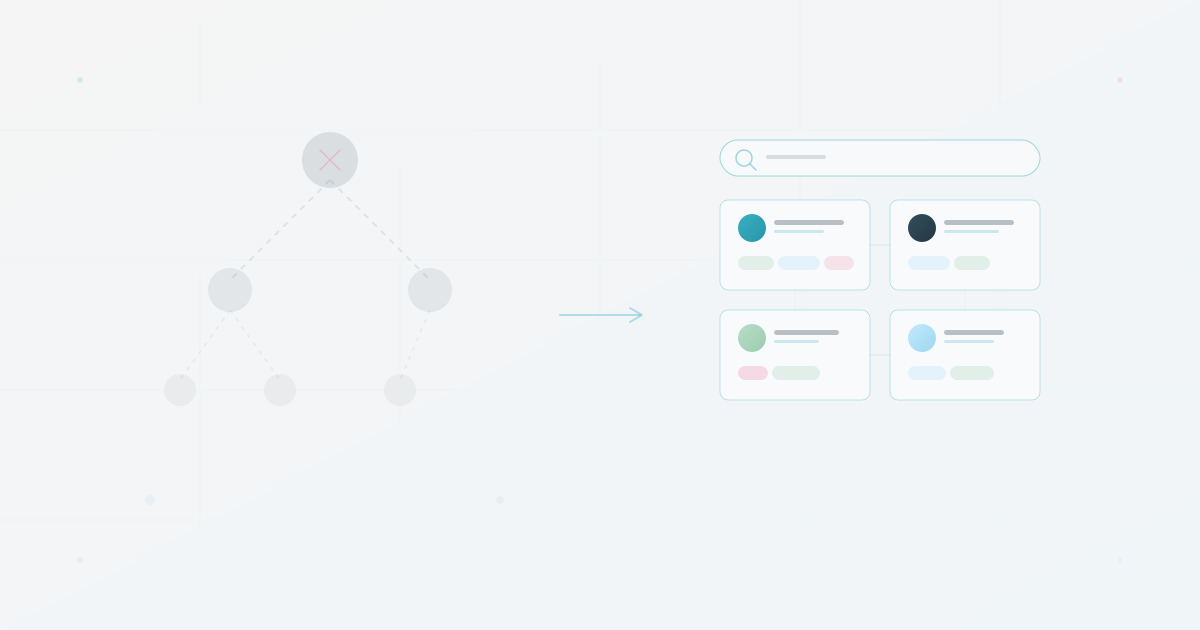
A spreadsheet gets you surprisingly far, but it has limits. Search is clunky, there is no visual structure, and keeping it current depends on people remembering to update their row. Once you have tested the value of a searchable directory, a CSV import into an org chart tool may add search, visual hierarchy, and filtering, depending on the tool and plan. The spreadsheet becomes the import file. Nothing is wasted.
That billing-infrastructure question is the kind of request to measure before and after a directory change. Record how long the route takes today, what information people need, and whether a searchable profile lets the person with the question start in the right place.
Use this today
Count routing friction for one week
Leave the exercise with an evidence log showing which expertise questions the directory should answer.
- 01
Collect ten real questions from Slack, email, or meetings that began with who knows, who owns, or who can help with.
- 02
For each question, record the number of people who had to route it, the time until a useful answer, and the field that would have made the search easier.
- 03
Pick five recurring skills or areas of ownership. Ask a small volunteer group to add those fields to their profiles and agree what should remain private.
- 04
Repeat the same ten-question check after two weeks. Keep the pilot only if people can answer more questions without a human intermediary.
Pass / fail check
The goal is fewer routing hops, not a complete skills database. Stop adding fields when they do not change the answer to a real question.
Questions readers ask most