The 2026 HR Tech Stack: What Growing Teams Should Evaluate
Many growing companies accumulate a similar set of layers: an HRIS for employee records, a spreadsheet used as an org chart, an ATS for recruiting, and communication or survey tools around them. The names vary, but the ownership and handoff problems are familiar.
Those systems often do not share clean ownership or data. The org chart spreadsheet may be months stale. Every time someone asks “who reports to whom?” the answer can require cross-referencing several systems.
The result can be a patchwork of tools that each solve one problem while creating new handoffs.
What an affordable HR tech stack should optimize
For a mid-sized company, affordability depends on adoption, contract terms, viewer and editor counts, and integration work. A practical starting point is to keep the systems that already work and fill the gaps between them. Start with one source of truth for employee records and payroll, then add only the layers that remove a measurable operational bottleneck. A searchable org chart or employee directory may be a lower-complexity visibility layer than replacing the HRIS.
| Layer | Keep the setup lean by… | Add complexity when… |
|---|---|---|
| HRIS and payroll | Keeping one system of record for employee data and access | Multiple countries, entities, or payroll rules need dedicated workflows |
| Recruiting | Retaining the ATS the hiring team already uses | Volume, sourcing, or reporting needs exceed the current process |
| Org visibility | Connecting an org chart or directory to a clean HRIS export | Employees need skills search, multiple audiences, or more frequent updates |
| Performance | Standardizing manager check-ins before buying a large suite | A proven process needs structured goals, reviews, or analytics |
| Engagement | Using existing communication tools plus focused surveys | You need longitudinal sentiment, recognition, or exit-data reporting |
A practical cost check is to avoid buying a full platform to solve one missing layer. If the HRIS is reliable, keep it; if the ATS is adopted, keep it; then make the organization easier to navigate with a focused directory or org-chart workflow. Our org chart software comparison shows how to evaluate that visibility layer by data freshness, integrations, privacy, and company-wide access.
Tool sprawl is the problem, not a magic number
The exact number of HR tools varies depending on whether you count only systems of record or every employee-facing application. Industry commentary often describes large, fragmented stacks. The practical lesson is less about reaching a benchmark and more about understanding ownership, integration, and adoption. Your own stack inventory should drive the decision.
Before adding another product, list the systems that hold employee data, who owns each one, how data moves between them, and which workflows still rely on spreadsheets. That inventory usually reveals whether you need a new system, or a clearer source of truth and a better employee-facing view.
A stack can become fragmented, redundant, or actively frustrating. Adding tools does not help if they do not connect or nobody owns the handoff.
Five Layers, Foundation to Strategy
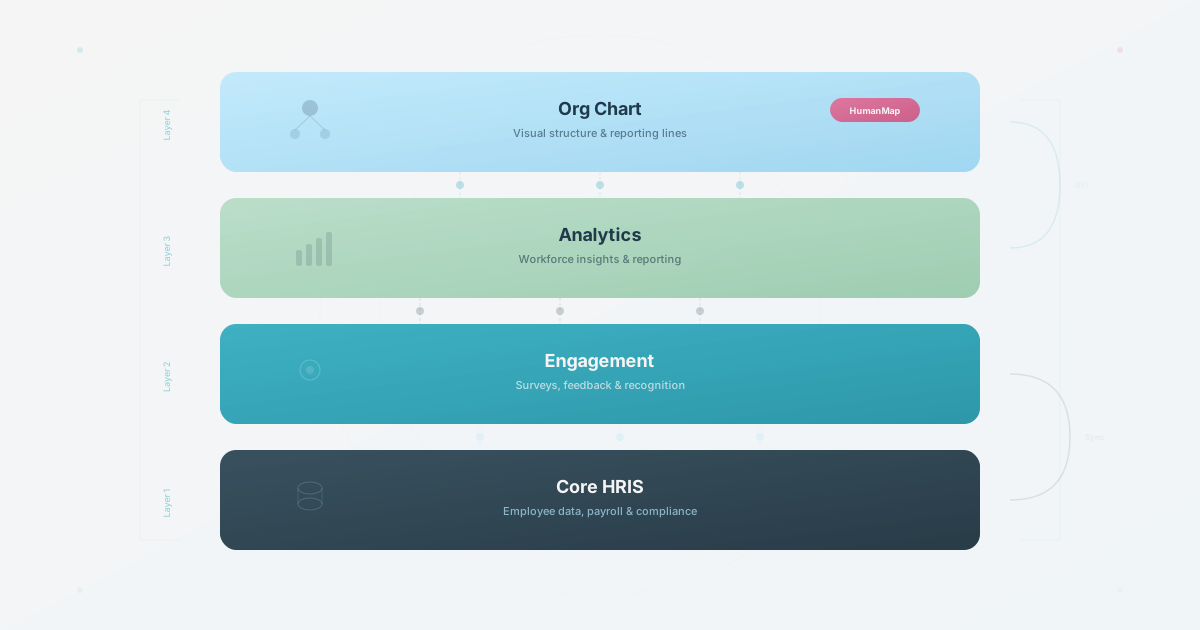
Five layers, from foundational to strategic.
Layer 1: The Foundation (HRIS and Payroll)
Most organizations need a system of record for employee data and a way to pay people. This is the usual starting point, although the ownership and systems vary.
Vendor capabilities, plan terms, and regional payroll coverage change. Treat named HRIS examples as a shortlist to verify against current official documentation, not as a universal recommendation.
A common limitation is that an HRIS may store employee data without making it discoverable in the daily employee workflow. It may function as a system of record rather than a directory, so test search by skill, team, and ownership instead of assuming the built-in chart covers those jobs.
Does your HRIS already include an org chart?
Often, yes. BambooHR’s current employee-records page describes a searchable people directory and org chart, and Humaans’ current plans page lists a people directory and org chart in its Growth plan. Those pages establish that the category exists; they do not establish that the feature, permissions, integrations, or price fit your team. If your main requirement is a current reporting tree inside the HR system, the built-in feature may be enough.
Do not replace a working HRIS just to get a better diagram. Keep the built-in chart when it covers the people who need access, the fields they need, and the reporting structure they need to see. Add a dedicated layer when employees need richer profiles or skills search, different views for employees and external audiences, a more discoverable directory, or data combined from several systems.
The practical test is not whether the HRIS has an org-chart button. Ask five people to find a colleague by team or expertise, then ask HR to demonstrate a manager change, a departure, and a restricted external view. If the workflow breaks there, the missing capability is organizational visibility, not another system of record.
Layer 2: Recruiting (ATS and Sourcing)
The ATS is a core layer for a team that is hiring. Evaluate it by the recruiting workflow, reporting needs, and handoff into employee records rather than by a generic rank.
Examples such as Lever, Greenhouse, Ashby, and Teamtailor illustrate different recruiting workflows. Verify current integrations, reporting, pricing, and regional fit before recommending one.
Layer 3: Org Charts and Directories
Some teams skip this layer, even when employee visibility is creating day-to-day friction.
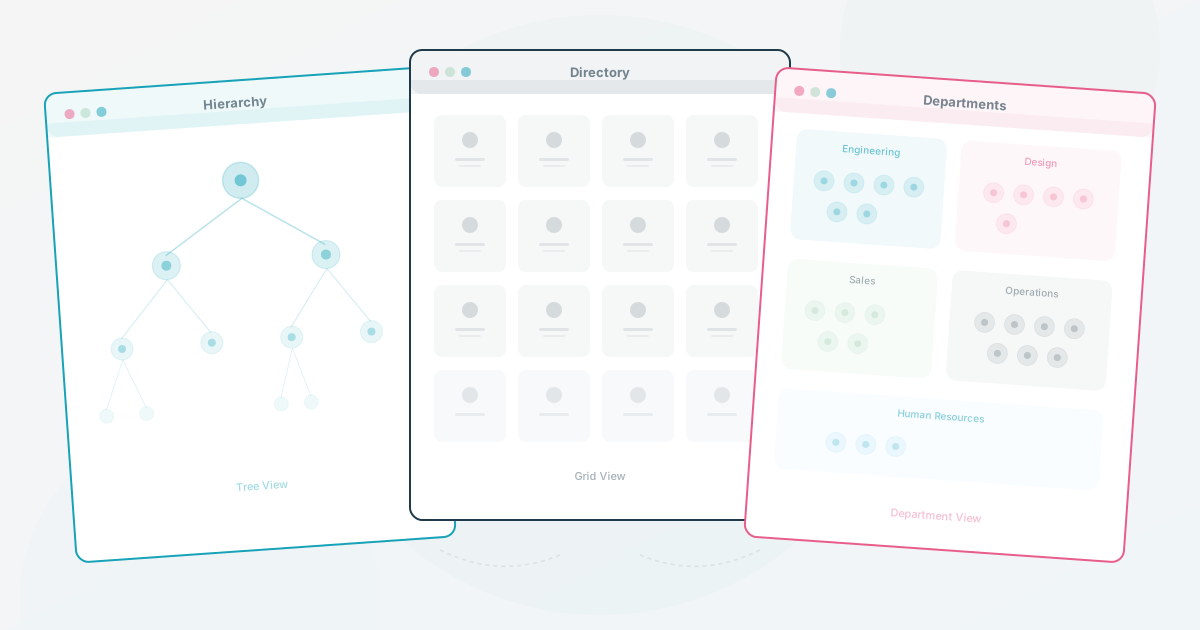
As the team becomes less familiar to everyone, people cannot rely on memory alone. Who is on the product team? Who knows about GDPR compliance? Who just joined? Without a useful directory, the answers may live in people’s heads or stale documents. An interactive org chart with a maintained update workflow can make the company structure searchable so employees can find each other.
Several categories can fill this gap: directory products, diagramming tools, HRIS features, and import-first org chart products. Compare the current data sources, search, access controls, update workflow, and plan terms rather than assuming a vendor’s category tells you the fit.
HumanMap is positioned here as an import-first org chart with profiles that go beyond name and title. The current map viewer supports browsing and search across names, titles, and optional passions; test the deployed map and plan before promising search across every profile field or audience.
If you are choosing the tool for this layer, our org chart software comparison breaks down eight options by setup, data freshness, employee context, privacy, and cost at company scale. The org chart scorecard turns those checks into a short test, and the resources hub collects the downloadable worksheets.
Layer 4: Performance and Development
Performance tools can be over-bought relative to actual use. Before choosing a full suite, check whether managers already have a feedback habit and which workflow needs structure.
For a mid-sized team, the first question is whether managers already have a feedback habit. If they do, Lattice can structure an existing OKR and goal-setting workflow. 15Five fits a team that already runs regular check-ins. Culture Amp makes sense when engagement survey data and performance reviews need to sit together.
If managers are not having regular conversations today, no tool can be assumed to create that habit. Before buying anything in this layer, ask a representative sample of managers when their last one-on-one was and what came out of it. If the workflow is not established, invest in manager enablement before software.
Layer 5: Engagement and Communication
Some dedicated engagement tools overlap with what Slack and Teams already do, then add a survey layer. Compare the specific need, survey quality, longitudinal reporting, recognition workflow, and data governance before adding another channel.
Dedicated engagement tools may earn their cost when you need structured recognition, sentiment trending over time, or exit interview aggregation. If you only need a periodic pulse, a simple survey and honest manager conversations may be enough. Compare the effort and quality of the answers rather than promising a fixed return.
The biggest trap in this layer: buying an engagement platform as a substitute for fixing the thing employees are disengaged about. If people are frustrated about unclear career paths, a recognition tool will not help. Fix the structural problem first.
Stack Rebuild: A Worked Planning Scenario
An illustrative stack rebuild for a company that is adding layers and discovering handoff problems.
Keep what works. If your HRIS handles records and payroll well, don’t replace it. Same for your ATS if the hiring team likes it. Don’t fix what isn’t broken.
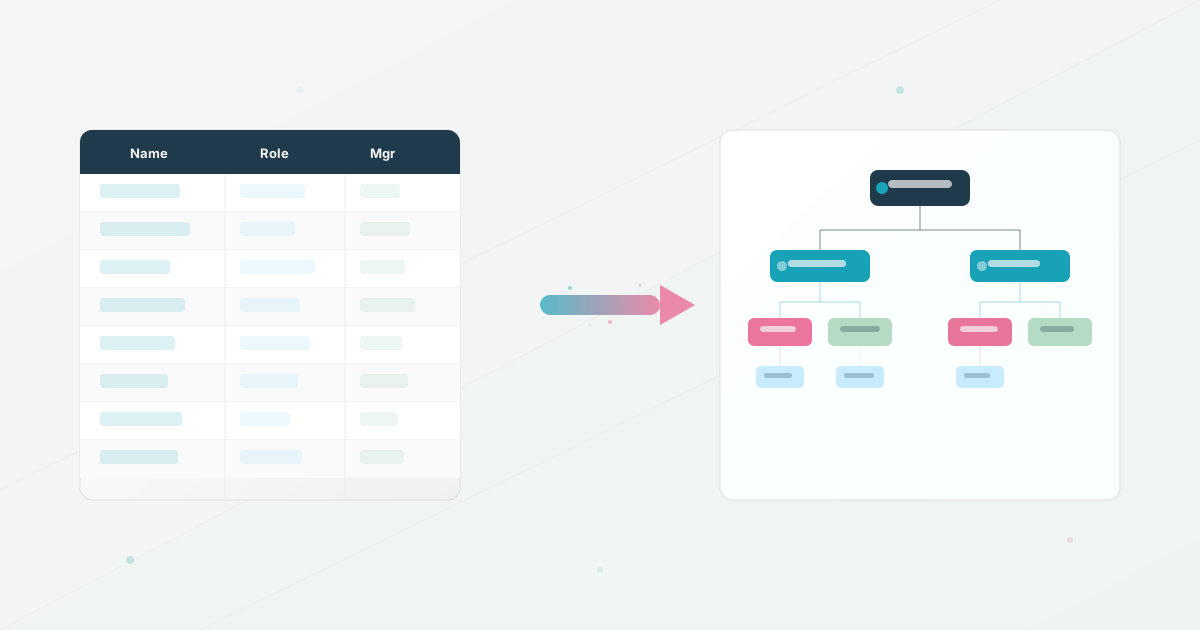
Fill the visibility gap. Replace the Google Sheet org chart with an interactive tool that can import from your HRIS’s CSV export and keep the structure current. Make people findable by the fields your chosen tool supports, such as skill and team, instead of only by browsing a tree.
Then question the dead weight. Audit tools with zero adoption, duplicated Slack bots, survey tools nobody opens, and platforms whose original owner has disappeared. Remove or retire a tool only after confirming what data or workflow depends on it.
The goal is fewer tools that actually talk to each other.
Before You Add Another Tool
Before adding another tool, try this: list every HR tool your team logged into this month. Next to each, write down how many non-HR employees used it in the last 30 days. The tools with zero adoption outside HR are the ones to question first.
Your HRIS stores data nobody can search. Your recruiting tool hires people whose expertise stays invisible. Your org chart is a slide deck from last quarter. The stack doesn’t need more tools. It needs the ones you have to make your organization visible to the people inside it.
Use this today
Find the stack gap before buying another tool
Leave the exercise with a one-page inventory of tools, owners, and the missing capability.
- 01
List the systems People, IT, Finance, and managers use for employee data. Add the owner, update frequency, and audience for each system.
- 02
Map each system to the job it performs: employee records, hiring, organization visibility, development, or communication. Mark overlaps and unowned work.
- 03
Test three real tasks: find the right subject-matter expert, show a leadership-only view, and reflect a manager change. Record where the workflow breaks.
- 04
Choose one small fix before a purchase. It may be a cleaner export, a shared owner, a permission change, or a dedicated directory.
Pass / fail check
If employee records are current but people still ask who handles a topic, the gap is likely discoverability rather than another HR database.
Questions readers ask most