HumanMap vs Lucidchart for Org Charts: Which One Fits Your HR Team?
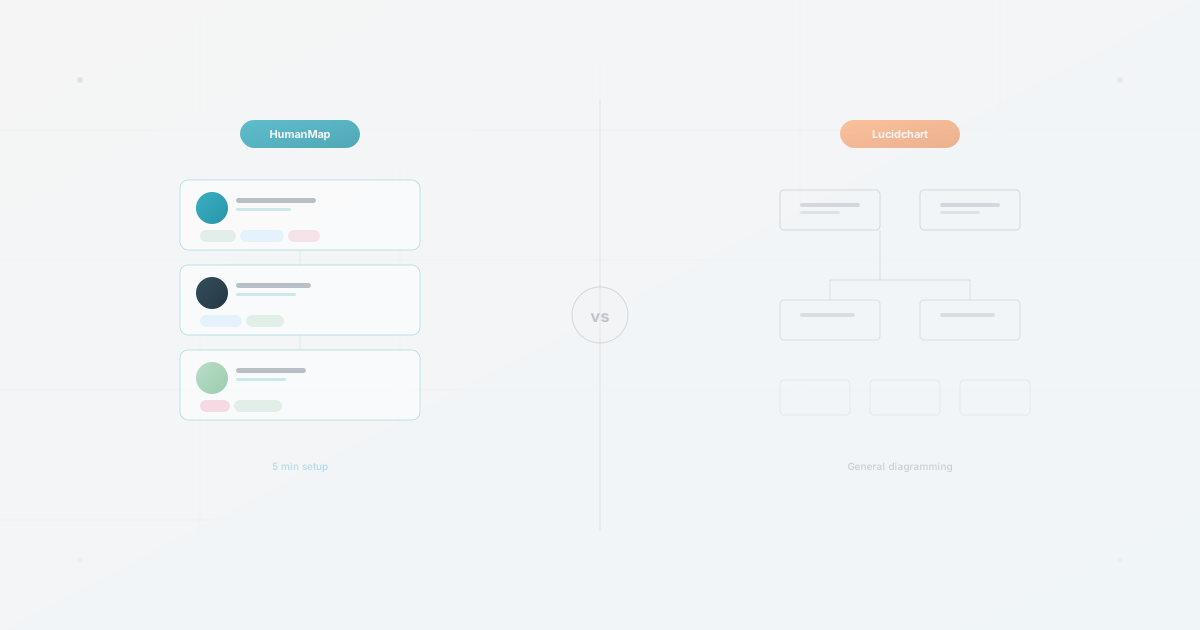
Lucidchart documents org-chart generation from Google Sheets, Excel, and CSV alongside flowcharts, network diagrams, and UML. HumanMap starts from employee data and focuses on profiles and different org-chart views. The practical choice depends on the tasks your team must repeat after the first chart is made.
We make HumanMap and have a commercial interest in this comparison. This is a desk review of the linked product materials, not a hands-on test of Lucidchart or a measured speed comparison. We checked Lucid’s published workflow and plan documentation on September 25, 2026; confirm current terms and behavior in each product before choosing.
If you are evaluating tools for HR, start with the job the chart needs to do: produce a diagram, help people navigate the organization, or both.
Is Lucidchart a good fit for org charts, flowcharts, process maps, and technical diagrams?
Lucid’s official intelligent-diagramming page describes data-driven org charts from Google Sheets, Excel, or CSV, plus flowcharts, network diagrams, UML, and other diagram types. That breadth is useful if the same team makes several kinds of diagrams. Verify the exact import, collaboration, and plan behavior for your workflow.
When the main job is maintaining an employee directory from HR data, compare how each option handles profiles, search, manager changes, permissions, and recurring updates. Published feature pages alone do not establish which workflow will be easier for your team.
HumanMap or Lucidchart at a glance
| If your main job is… | Start by evaluating | What to test |
|---|---|---|
| Creating flowcharts, process maps, or technical diagrams | Lucidchart | Whether one workspace meets your diagram and collaboration needs |
| Maintaining a searchable employee directory from HR data | HumanMap | Import, profile search, and the next manager change |
| Designing a one-off presentation org chart | Lucidchart | Styling, editing, export, and viewer access |
| Publishing different org-chart views for different audiences | Both tools | Lucidchart’s filters and group views versus HumanMap’s separate maps; verify access and field exposure |
These are starting hypotheses based on each vendor’s stated focus. Run the same tasks in both products before making a purchase decision.
Diagram vs. Data
Lucidchart supports both manual diagramming and org chart generation from Google Sheets, Excel, or CSV data. Placing and connecting boxes is one workflow, not a required setup step. Test the imported chart with your own data before estimating the formatting and maintenance work.
HumanMap treats an org chart as a view of your people data. You import employee information, then review a generated hierarchy and the available profile context. The intended workflow is searchable employee visibility rather than a finished diagram.
Both tools can start from employee data. The comparison below focuses on what you need after import: diagram editing, employee profiles, search, and sharing.
Is HumanMap a Lucidchart alternative for HR teams?
If your team already uses Lucidchart for diagrams, compare its current org-chart workflow with HumanMap only if you need employee discovery or recurring people-data updates. Measure the work required to update and share each result rather than assuming a switch will save time.
This is one focused comparison. For a wider shortlist that includes workforce-planning, directory, and diagramming tools, see our best org chart software comparison for 2026.
Ease of Setup
Lucidchart: Lucidchart’s current product page describes generating org charts from Google Sheets, Excel, or CSV files, but the exact import mapping and layout behavior can change. Treat the imported result as a starting point and verify how much formatting work your source requires.
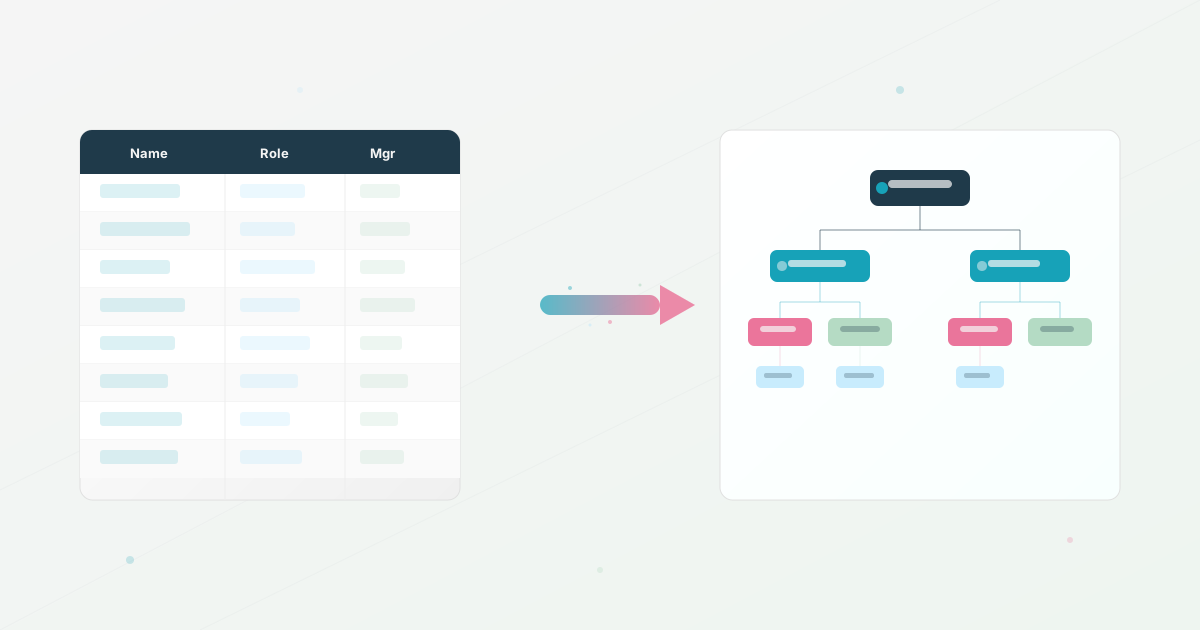
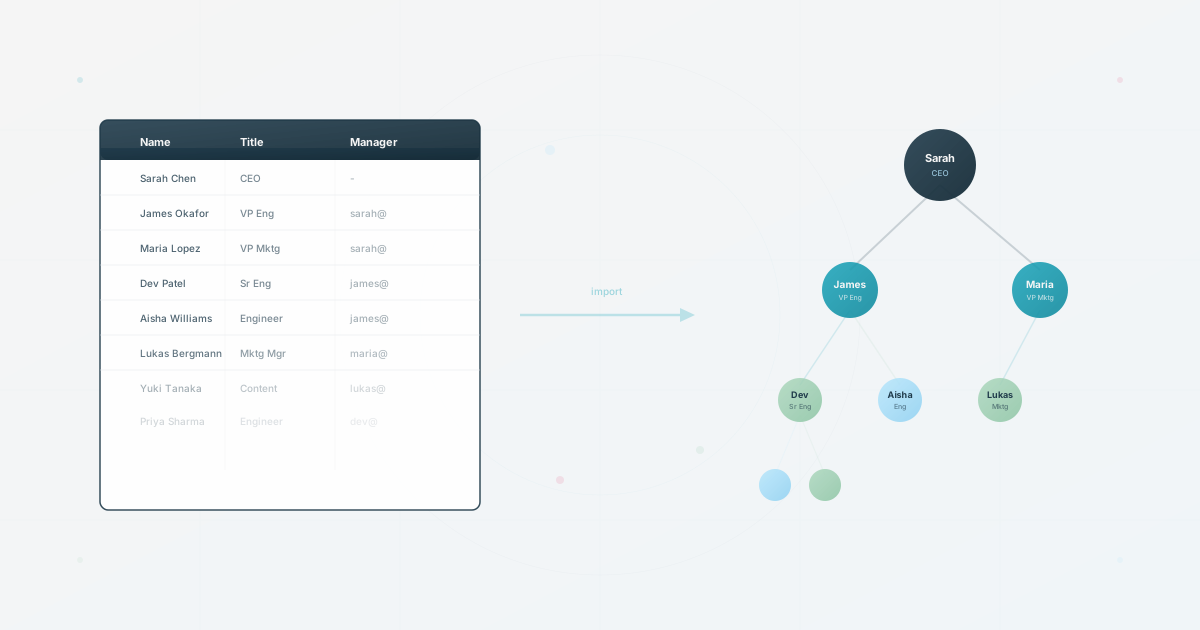
HumanMap also supports CSV import. Upload a CSV with employee names, titles, and manager references, then review the generated hierarchy. A data-led workflow can reduce manual box placement when the source data is already clean, but the result still needs an accuracy check.
For setup, time both imports with the same sample data. Compare the work needed to correct reporting lines, adjust the layout, and share the result.
Keeping It Updated
Maintenance workflow is the biggest differentiator.
Lucidchart: An uploaded CSV or Excel file is a static import. Lucid’s org-chart data guidance says linked Google Sheets or Microsoft 365 data can be refreshed, with refresh or replace available on Enterprise. Test your plan with a manager change, a departure, and a team split rather than assuming that an import eliminates update work.
In HumanMap, re-importing or editing the underlying employee data is the intended maintenance path. Test how the current workflow handles departures, new hires, changed reporting lines, and profile updates before promising an automatic result.
For recurring changes, measure the steps after each import or edit. The result will tell you whether your team benefits more from HumanMap’s people-data workflow or Lucidchart’s diagram editing.
HR-Specific Features
The “general tool vs. purpose-built tool” gap shows up in specifics.
Employee profiles
Lucidchart’s org-chart field controls let editors choose which employee data fields appear on chart shapes. Test whether that workflow covers the profile context and maintenance requirements your team has.
HumanMap profiles can include a photo, title, department, description, and optional personal interests. Profiles are browsable, and the org chart can become a people directory alongside the hierarchy.
Profile discovery
Lucidchart: Its org-chart filters can show employees who match a data field, such as a role containing “Product.” Test a real discovery question against the fields you import. A filter inside a chart is a different workflow from a dedicated employee-profile directory, but it can still help people find relevant colleagues.
The current HumanMap map viewer supports search across names, titles, and optional passions. Profiles can also surface descriptions and other context, but those fields should not be treated as indexed search promises without testing the deployed map and plan. That distinction matters when the buying question is employee discovery rather than diagram editing.
Privacy controls
Lucid’s current documentation describes sharing, chart field-display controls, filters, and group views. Test who can access the underlying document and data, not just which fields appear on a shape. A hidden display field should not be assumed to enforce a privacy boundary.
HumanMap presents map-level audience controls in its current product workflow. Create separate maps from shared employee data, then verify the available sharing options on the plan you are evaluating. Do not assume that a separate map hides individual profile fields; review what the intended audience can actually see.
Multiple views
Lucidchart: Its group view can organize employees by a dataset field and its filters can narrow what appears on the chart. Those are display tools, so test document sharing and field exposure separately for each audience. Record who owns the resulting pages and how a manager change is propagated.
HumanMap uses shared employee data to support more than one map. Set each map’s audience and verify the visible profiles and fields before sharing, then test that a change to the source is reflected correctly in every view you plan to publish.
Where Lucidchart Wins
Lucidchart has genuine strengths that HumanMap doesn’t match:
Visual design flexibility. Lucid documents templates, shape libraries, themes, and assisted layouts. If your output is a presentation diagram, try the exact styling and export you need before deciding.
Beyond org charts. If your team also needs flowcharts, process maps, wireframes, or network diagrams, Lucidchart is a single tool for all of those. HumanMap does org charts and nothing else.
Ecosystem integrations. Lucidchart lists integrations with Google Workspace, Microsoft Office, Atlassian, and Slack on its official product page. Verify the specific connector, plan, and data direction you need.
Real-time collaboration on the diagram. Multiple people can co-author a Lucidchart diagram, which can help teams that design org structures together. Test the permissions and review workflow separately from co-authoring.
Procurement documentation. If your team needs SSO, audit controls, security reports, or compliance evidence, compare the current documentation and contract terms from both vendors. Do not infer those controls from the visual product alone.
Pricing Comparison
Prices and plan limits change, so verify them before making a purchase. Use Lucidchart’s current pricing page and HumanMap’s current pricing page rather than relying on plan names or prices copied into an article.
Lucidchart’s plan page should be treated as the source for its current free access, paid tiers, editor licenses, and viewer rules. Model the cost for the people who need to edit as well as the people who need to view.
HumanMap publishes its current plan levels on its pricing page. Compare the current editor, viewer, map, import, and sharing limits with Lucidchart’s plan terms. Use the org chart scorecard and multiple-views guide to test the workflows before choosing a pricing model. The pricing difference matters only after you model how your team will actually use each product.
Which One Fits Your Team?
Choose Lucidchart if:
- You need a general diagramming tool that also does org charts
- Visual design and presentation quality are your top priority
- Your team already uses Lucidchart for other diagrams
- You have verified that its current compliance and admin controls meet your requirements
- Your org chart is primarily a visual artifact
Choose HumanMap if:
- You need repeatable employee-data updates and searchable profiles
- You need employee profiles with interests and enriched context
- You need separate maps from shared people data, after verifying their audience and field visibility
- Your priority is a people directory above all
- Its current pricing and viewer model fit your company-wide access needs
Try Both With Your Data
Before committing to either tool, test with your own data:
- Export your current employee list as a CSV (name, title, unique employee ID, and manager ID)
- Import it into both tools, after checking the current free or trial limits and accepted fields
- Time how long each takes from CSV upload to a shareable chart
- Try creating a second view for a different audience (leadership vs. all-hands) and compare the workflow
- Show both results to three colleagues and ask: “Which one would you use to find a coworker?”
Record the update and sharing steps you observe in both products. If your source is a spreadsheet, start with the CSV readiness checker using sample or anonymized data. Check HumanMap’s current signup options if you want to run the comparison.
Use this today
Compare both tools with the same five changes
Leave the exercise with a decision based on maintenance work, not a screenshot.
- 01
Prepare one small dataset with a new hire, manager change, departure, team split, and one restricted audience.
- 02
Run every change in both tools. Record the time, the person who had to make the change, and whether the result was visible to the right audience.
- 03
Ask one employee who does not maintain the chart to find a person by skill or team. Record how many steps and searches it takes.
- 04
Write down the worst failure in each tool. That failure matters more than the fastest first setup when the chart is part of daily work.
Pass / fail check
Choose the tool whose recurring workflow your team can own. If the decision depends on an untested integration or permission rule, test that rule before signing.
Questions readers ask most