How to Onboard a New-Hire Cohort Without Losing the Human Touch
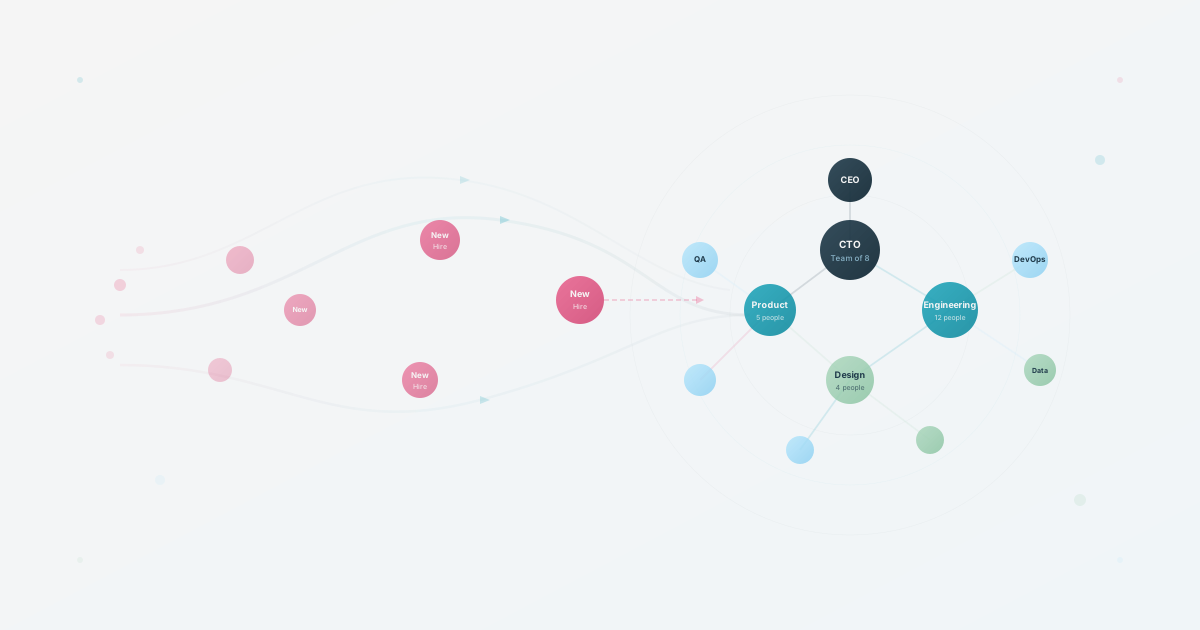
A cohort start can expose weak handoffs in an onboarding process. When several people start together, HR cannot answer every “who do I talk to?” question, and a team lunch cannot replace the relationships new hires need after the first day.
The fix is operational rather than theatrical: give people a current map of the organization, connect each person with a buddy outside their team, and check the relationship again at day 30 and day 90.
Why Batch Onboarding Breaks
Individual onboarding is personal. The hiring manager walks the new hire around, introduces them to the team, explains the unwritten rules. It’s warm. It works.
A cohort schedule cannot replicate every part of one-to-one onboarding. Hiring managers may be busy with new reports, HR may be coordinating several workflows, and new hires may receive a large amount of information before they know where to ask questions.
The cracks show up fast:
New hires may bond with their cohort without learning how to reach their day-to-day collaborators. Connections across the existing organization do not always form on their own in a batch setting.
A recurring new-hire question is “who do I talk to about X?” HR cannot personally route every question in a growing cohort. A stale org chart PDF may not help if it shows names without enough context. This is the same discoverability problem that can make onboarding harder.
Belonging erodes next. The personal touch disappears. Onboarding can start to feel like an assembly line, leaving new hires unsure where to ask for help or how to build context beyond their cohort.
What Actually Works at Scale
The companies that do this well build systems that scale but still feel personal.
Before Day One
Don’t wait for Monday morning to start onboarding. The week before a new hire starts:
-
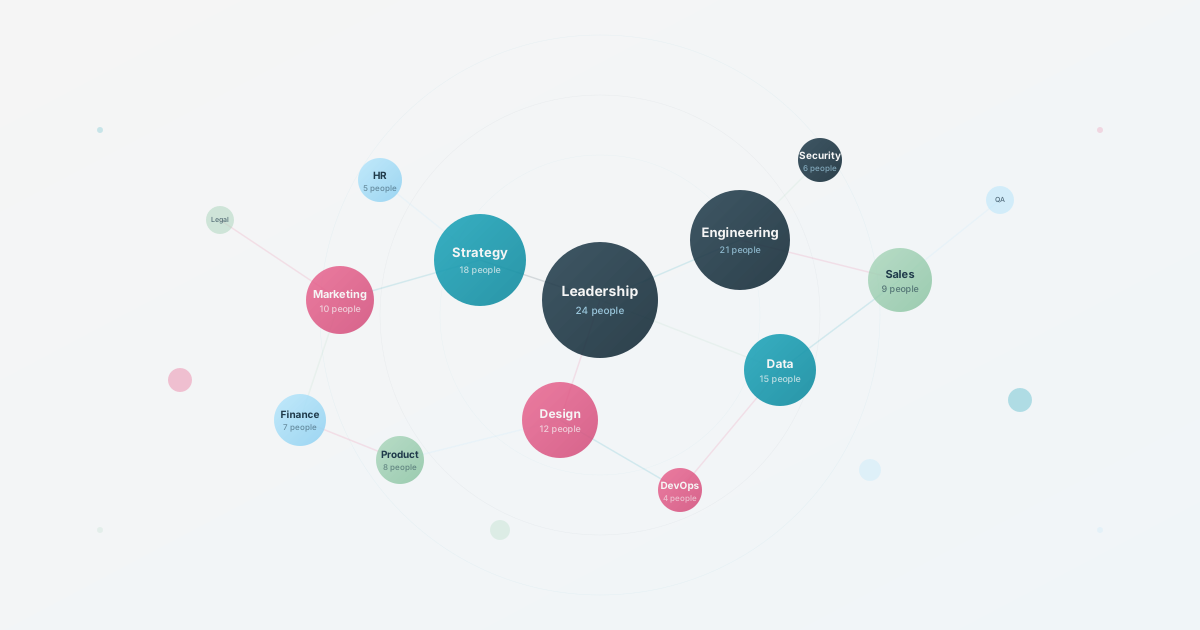
Send the org chart. If your workflow supports it, share an interactive, current view where new hires can click through teams, see who does what, and start putting faces to names. Consider creating a dedicated view tailored to new employees that highlights their team, key contacts, and org context. Test whether this reduces repeated routing questions before treating it as a completed fix.
-
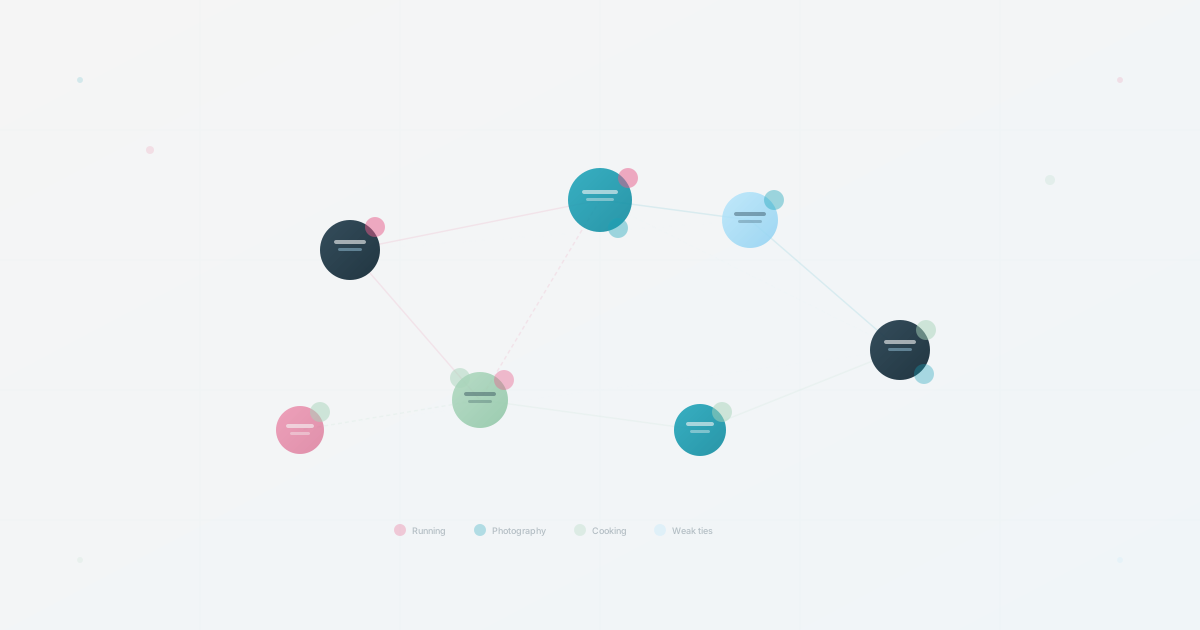
Assign a buddy. Pick a peer in a different department, not a manager. Match by shared interests when the people involved want to share them, not just role proximity. For example, an engineer and a designer who both enjoy photography may have an easy conversation starter before they share work context.
-
Pre-populate their profile with name, role, team, and start date, then ask them to add a few interests or hobbies. When colleagues can see a shared interest before they meet, the first conversation starts from common ground instead of small talk.
Day One
The biggest mistake: cramming everything into day one. Benefits enrollment, security training, tool setup, meet-the-CEO, team lunch, all before 5pm.
Structure day one around what actually matters.
First, make them feel expected, not processed. Their laptop is ready. Their Slack channels are pre-joined. Their manager stops by in the first 30 minutes for a 10-minute “here’s what your first week looks like” conversation, not a formal meeting. A handwritten note from the team on the desk, signed by actual names. These cost almost nothing and signal that someone prepared for their arrival, which is the opposite of how batch onboarding usually feels.
Second, give them navigation tools. Show them the org chart, the internal directory, and the key Slack channels. They do not need to memorize names. They need to know where to look when they have a question.
Third, connect them to one real person: their buddy. One person who will answer questions without judgment and introduce them to the informal parts of the company. A buddy lunch on day one is a simple start, but the day-30 check-in is what tells you whether the relationship lasted beyond the welcome week.
Push everything else to week one and beyond.
Week One
Give new hires structure with breathing room instead of scheduling every hour.
Start with an onboarding checklist that spreads tasks across the week: set up tools, read key docs, meet three people outside their team.
Let them explore the org chart on their own. Self-directed browsing can complement a one-time tour, especially when the directory supports the team, role, and interest questions they actually have.
Schedule optional cross-team conversations at a pace the cohort can sustain. Define a team-specific goal, such as one useful connection or one unanswered question resolved, instead of treating a fixed number of meetings as proof of belonging.
Day 30
The real test of onboarding isn’t day one. It’s day 30. Check in on:
- Can they navigate the org independently? (If not, your directory isn’t working.)
- Have they built relationships outside their immediate team? (If not, your buddy program needs tuning.)
- Do they feel like they belong? (If not, the culture work isn’t done.)
A simple pulse survey at day 30 can surface role-clarity or connection problems while they are still easy to address.
Day 90
At a later review point, ask two questions: can the new hire explain where to find ownership information, and do they know at least one person outside their team they can approach? Treat the answers as diagnostic signals, not a pass or fail definition of onboarding.
Make the Organization Navigable
All of this boils down to one thing: make the organization navigable.
New hires can struggle when the company’s complexity is invisible, hidden in people’s heads, stale documents, and tribal knowledge.
An interactive org chart that is maintained through a clear workflow can help make the organization easier to navigate. New hires can:
- See who’s on their team and neighboring teams
- Discover colleagues by browsing profiles and interests
- Discover shared interests with colleagues across the company
- Understand reporting lines without asking awkward questions
Your Batch Onboarding Checklist
What to implement before your next cohort:
- Set up an interactive, searchable org chart
- Create a buddy matching system (use shared interests, not just roles). We put together a printable buddy matching checklist with criteria and templates
- Build a pre-board email template with org chart link and profile setup
- Design a day-one schedule that prioritizes welcome over information
- Create a week-one checklist with self-directed exploration tasks
- Schedule day-30 and day-90 pulse surveys
- Establish an offboarding debrief process to improve each iteration
A new-hire cohort will form an impression of the company through the small details of the process. Give people navigation tools, a real human connection, and a clear route to the people around them.
Use this today
Design one cohort, then make it repeatable
Leave the exercise with a buddy workflow with clear boundaries and review points.
- 01
Collect only the information a new hire and buddy have agreed to share. Role, timezone, communication preference, and optional interests are usually enough to start.
- 02
Match across teams where practical, then check for conflicts such as reporting lines, workload, language, or time zones before confirming the pair.
- 03
Send the introduction before day one, schedule the first conversation, and give the buddy a short list of common first-week questions.
- 04
Check in at day 7 and day 30. Ask whether the new hire knows where to go for help and whether the match should continue or change.
Pass / fail check
A buddy program is working when it reduces unanswered questions and creates useful connections. A high completion rate alone is not proof of value.
Questions readers ask most