One Setup, Multiple Org Chart Views for Different Audiences
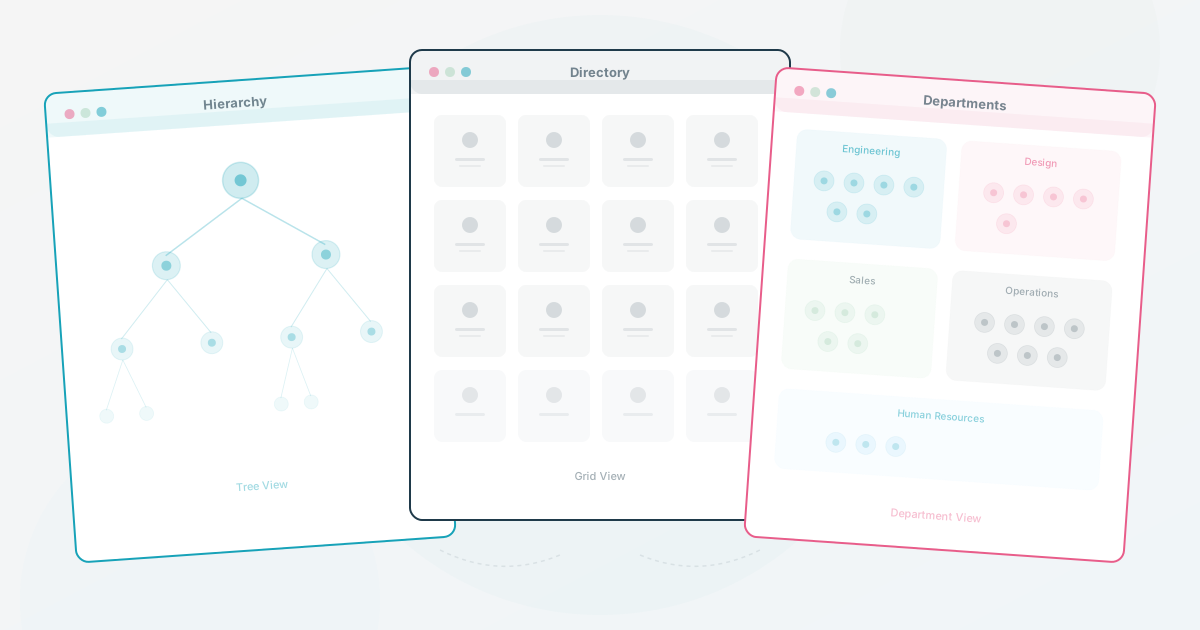
When an organization needs more than one view of its structure, a second file can feel like the quickest solution. It also creates another copy to update, share, and secure.
The safer design is to keep one employee dataset and define the views each audience actually needs. The goal is not to expose every field everywhere. It is to make the right context available without asking HR to maintain several competing versions.
Start with one source and explicit views
Treat the employee dataset as the source and the chart as a view of that data. A simple source might include employee ID, name, title, department, manager ID, location, and optional profile context. Each audience then gets a documented slice of those fields.
| Audience | Job to be done | Include | Keep out or restrict |
|---|---|---|---|
| Leadership | Review structure and headcount | Leaders, departments, reporting lines, open roles | Personal contact details and optional profile fields |
| Employees | Find people and understand the organization | Names, roles, teams, managers, useful contact or expertise context | Fields that are not needed for everyday navigation |
| External partners | Know who to contact | Names, roles, departments, approved contact points | Internal structure, private fields, and unnecessary employee detail |
| Candidates | Understand the team they may join | Hiring team, manager, role context, approved culture information | Unrelated teams and internal-only information |
The exact fields depend on your privacy rules and the capabilities of your tools. Write the matrix down before you build the views so access decisions do not get made ad hoc. This is a governance matrix, not a promise that every vendor supports field-level filtering. HumanMap’s current map model exposes map-level visibility choices, including public, authenticated, and password-protected, and allows separate maps to use the organization’s shared employee data. That is not field-level filtering; verify the current plan, permissions, and sharing workflow before promising that a particular audience can see only selected fields.
One dataset with multiple views can reduce duplicate maintenance, but it does not remove governance. Someone still needs to own the data, review permissions, and decide what happens when a person joins, leaves, or changes teams.
What Each Audience Actually Needs
What each audience needs:
The Board / Leadership View
Purpose: Strategic oversight, headcount planning, organizational review.
Shows: Leadership team, department heads, headcount per team, open positions, reporting lines to the CEO. Consider including tenure data so the board can spot concentration risk (teams where everyone is new, or where one tenured person holds all the context).
Hides: Individual contributor details, personal interests, contact information for non-leadership roles. No Slack handles, no hobbies, no project-level detail.
Access: Restricted to the people who need it. Use the access controls your tool provides and review the list before each board or planning cycle.
The Employee View
Employees need an org chart for navigation, collaboration, and discovery. This view can show the team structure plus the optional context people have chosen to share, such as skills, interests, location, or current projects. Make it easy to find, then ask employees which fields actually help them answer real questions.
The External / Partner View
The external view serves clients, vendors, auditors, or new contractors who need basic orientation. It shows names, titles, and departments, possibly with a direct contact for their point of entry. Keep it simple. Use anonymization if needed, and apply the sharing and expiration policy required by your organization.
The Hiring / Recruiting View
Recruiters can use this view to show the team a candidate would join: the specific team, its manager, and the peers they would work with. Optional interests or working context can add useful detail, but only include information approved for that audience.
Test the views with a realistic change
Use a small scenario before you publish anything. Imagine a 120-person team preparing for a reorganization:
- One manager changes, one person leaves, and one new team is created.
- Update the source dataset once, then check which views should change.
- Ask a leader, an employee, and an external-facing colleague to complete one lookup each.
- Confirm that each person sees enough context for the task and none of the fields they should not see.
- Record the time, questions, and permission failures. Those observations become your maintenance baseline.
This test is more useful than promising a fixed time saving. A single-source workflow may reduce duplicate editing, but it still needs review after real changes and it may not fit teams with complex access rules.
Getting From Multiple Files to One System
If you are currently in the “three files on the desktop” situation, use a safe consolidation path:
- Inventory every version in shared drives, email attachments, slide decks, and team spreadsheets.
- Map each version to an audience and record which fields it exposes.
- Choose the canonical dataset and document its owner and review triggers.
- Build the views, then test each one with someone from that audience.
- Archive the old files, update shared links, and keep a record of what was retired and why.
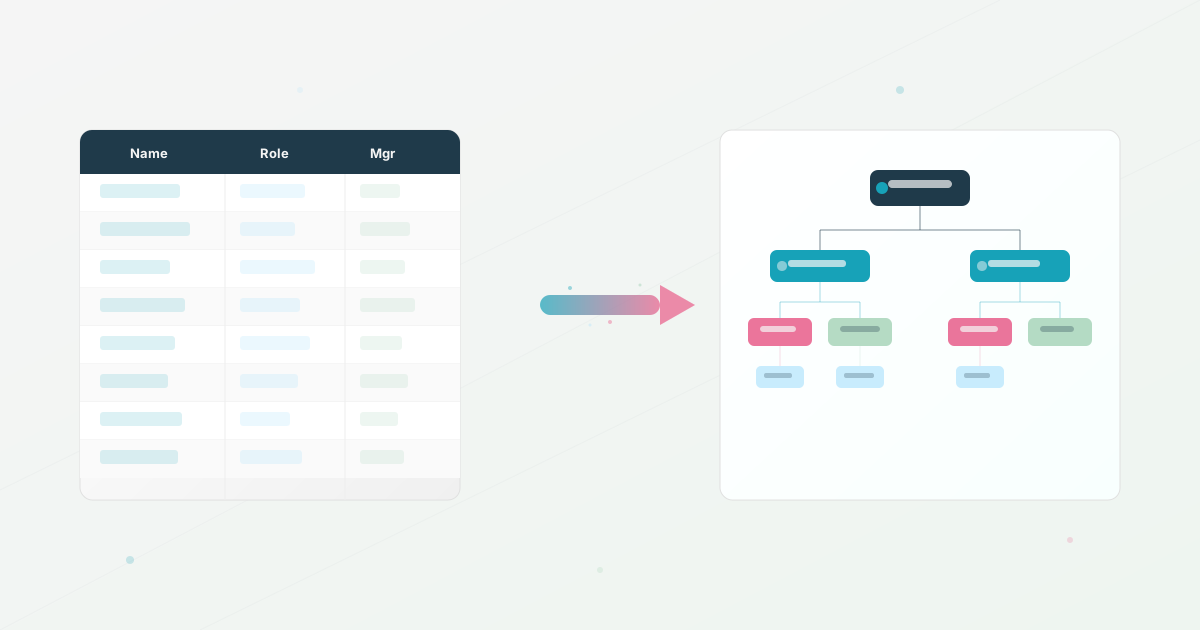
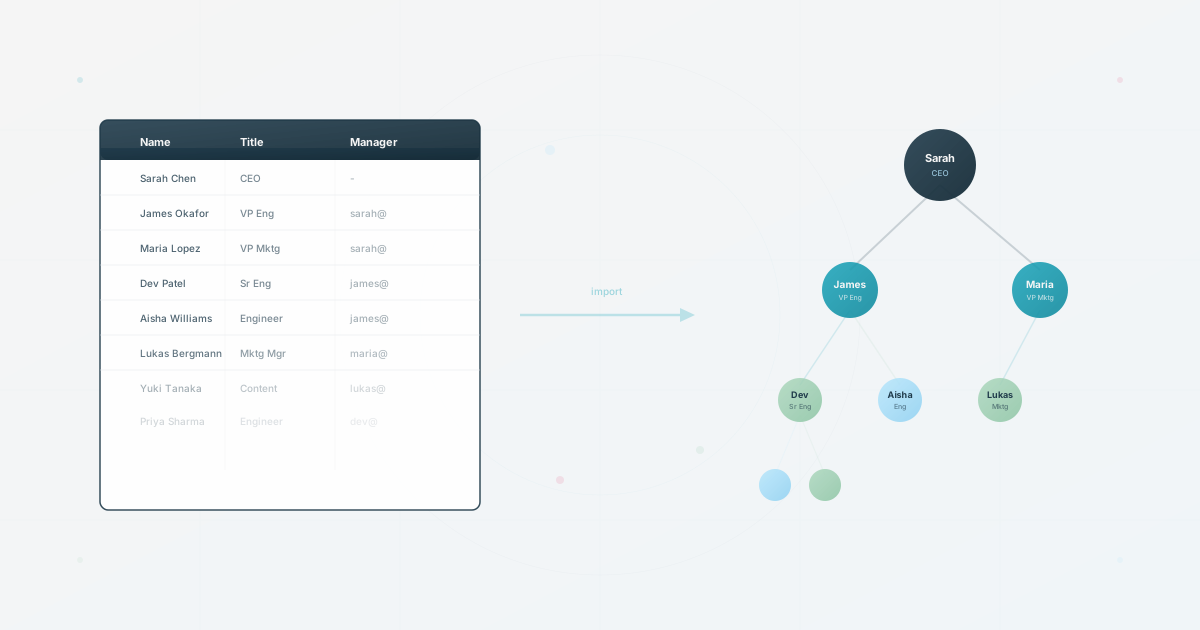
The hidden cost audit helps you measure the work before and after the change. If the source data is already in a spreadsheet, the import workflow gives you a practical starting point.
Use this today
Write one visibility matrix before creating views
Leave the exercise with a clear list of what each audience can see and why.
- 01
List leadership, employees, new hires, recruiters, and external partners as separate audiences. Add any audience that currently receives a copied file.
- 02
For each audience, mark the fields it needs, the fields it must not see, and the action it should be able to take.
- 03
Choose one source dataset and one owner for each sensitive field. Test the proposed views with one person from two audiences.
- 04
Retire a copied version only after its users can complete the same task in the new view.
Pass / fail check
A good view removes information that the audience does not need. More fields are not a sign of better access control.
Questions readers ask most