Org Chart Templates by Company Size: 10 to 500 Employees
An org chart that fits a small team can become a source of confusion after growth or a reorganization. Who owns the enterprise sales process? Does the new data team report to Engineering or Product? Why are several people doing overlapping work on customer onboarding?
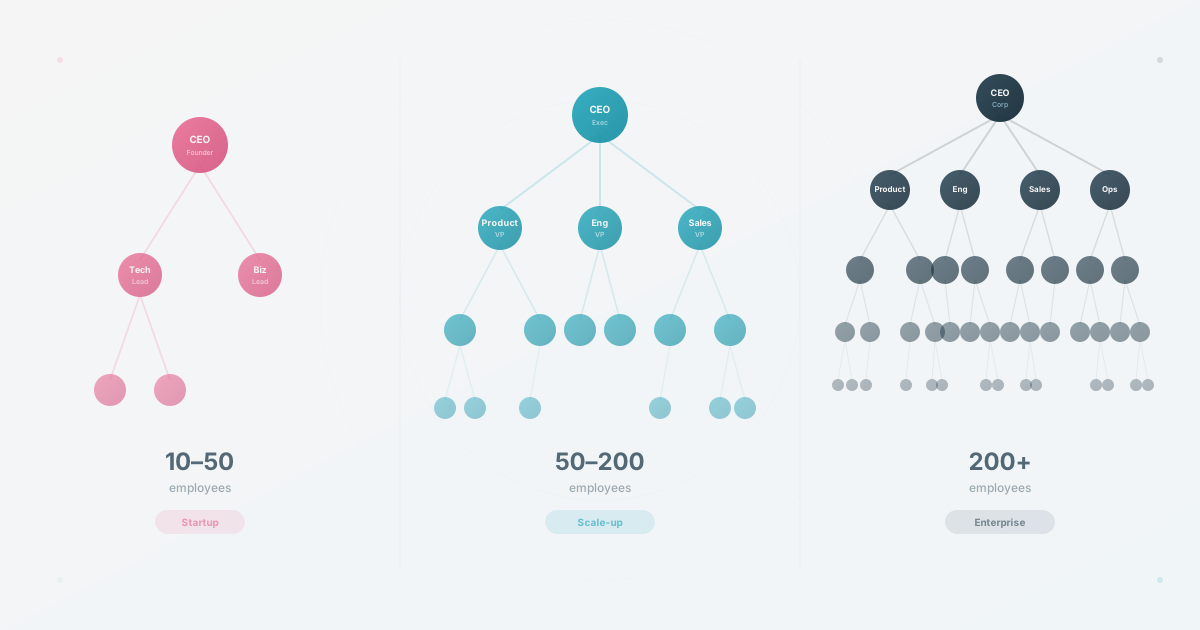
Four planning lenses for deciding when your org chart needs to change shape. The size ranges below are heuristics, not research-backed thresholds.
Once you need more than a static template, compare the best org chart software for HR teams by setup time, maintenance workflow, profiles, privacy, and company-wide cost.
Stage 1: The Flat Team (10-20 Employees)
For many teams under 20 people, a shared doc with names, responsibilities, and decision owners is enough. A common mistake is creating VP titles at a 12-person company, which can set expectations about authority and career progression that a startup cannot fulfill. One thing worth formalizing is a decision log of who makes final calls on product, hiring, architecture, and messaging.
Stage 2: Departments Forming (30-60 Employees)
This is a common planning inflection point. As the team grows, direct management by the founder may become harder to sustain. Teams start to form organically: engineering clusters together, salespeople develop shared work, and someone starts “running” customer success without a formal title.
Organizational clarity, knowing the structure, your role, and who to go to, becomes an operating need as teams become less familiar to one another. At this stage, the org chart is one practical tool for delivering that clarity.
What the structure should deliver
Three levels: CEO, department leads, individual contributors. Four to six functional departments (Engineering, Product, Sales, Marketing, Operations, Customer Success), each with a clear lead, even if the title is informal.
Every person should be able to answer “who is my manager?” without hesitation. Each department needs a single owner who handles escalations and hiring decisions. Cross-team projects need an explicit owner; without this, work falls through the cracks.
What this looks like: CEO at the top, 4-6 department heads in the second row, team members grouped under each. This is the classic tree structure, and it works because it’s simple enough for everyone to understand at a glance.
Where companies stumble here is keeping a flat structure after the work has already developed de facto owners. Formalize departments and name leads when the work depends on them, not when a number says you must.
Stage 3: The Larger-Team Threshold
The 150-person milestone is sometimes used as a planning heuristic, not a law: in larger teams, personal familiarity becomes less reliable as the only way employees learn who does what.
The practical implication is to watch the workflow, not the threshold. When people cannot rely on personal familiarity alone, the org chart shifts from a nice-to-have reference toward an important navigation tool.
Why this stage breaks static charts
The structure now has four or more levels: CEO, VPs/Directors, Managers, Individual Contributors. Departments subdivide into teams (Engineering splits into Backend, Frontend, Platform, QA). Cross-functional or matrix structures start to appear, where a product designer might report to the Design lead but work daily with the Payments team. New hires can no longer learn the org by walking around.
The org chart must be searchable when names and reporting lines are no longer enough. People may need to find someone by skill or team instead of scrolling through a diagram. Multiple views may be necessary too. The engineering team does not need to see the full sales breakdown, and vice versa. Different audiences need different levels of detail from the same organizational data.
Keeping it current becomes critical when hiring and team changes outpace the review process. A static org chart can become outdated quickly if nobody owns the update.
In a larger team: A nested tree with expandable or collapsible departments can reduce visual overload. Each person’s node can show name, title, team, and one or two context fields such as skills, location, or current project, subject to audience and privacy rules.
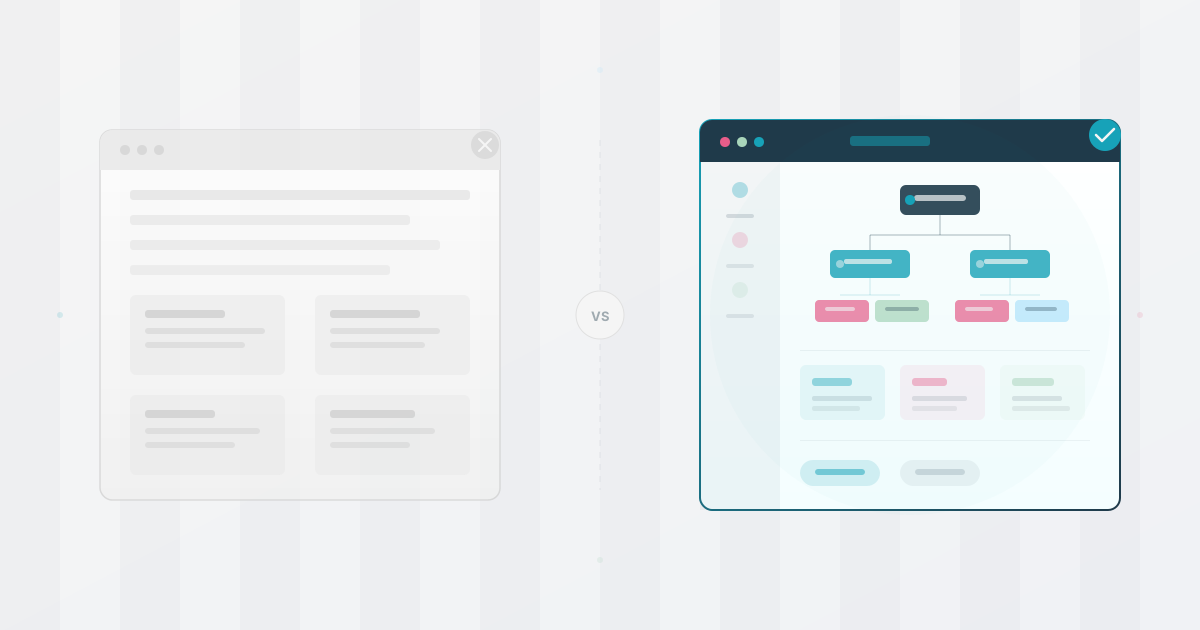
A common trap at this stage is maintaining one giant org chart that tries to show everything. When different audiences need different fields, use filtered views such as engineering, leadership, or new hires from one governed source. We wrote a full guide on how to create different org chart views for different audiences if you want to go deeper on this.
Stage 4: The Multi-Division Company (300-500+ Employees)
As organizations grow, they may develop distinct divisions by product line, geography, or customer segment. The org chart may work better as a set of connected views than as one practical tree.
The risk nobody talks about
At this size, visibility causes more trouble than complexity. Divisions operate semi-independently with their own department heads, while shared services such as HR, Finance, and IT cut across all of them. People lose sight of how the whole company fits together. Matrix reporting is common, but it becomes easier to use when the relationships are visible to everyone involved.
What matters most is controlled sharing. The board may need one map, managers another, and employees a third, all from the same underlying data. At this scale, being able to browse profiles with interests and expertise may matter. Access control matters too, so different audiences see different maps with appropriate levels of detail.
One structure to test: A divisional structure with shared services. Each division can have its own nested tree, while a searchable directory lets authorized audiences find colleagues by name, role, team, and optional interests.
Avoid assuming that the entire organization belongs in one visual diagram. A large chart can become hard to read and maintain, so test a navigable system with search and filtered views instead.
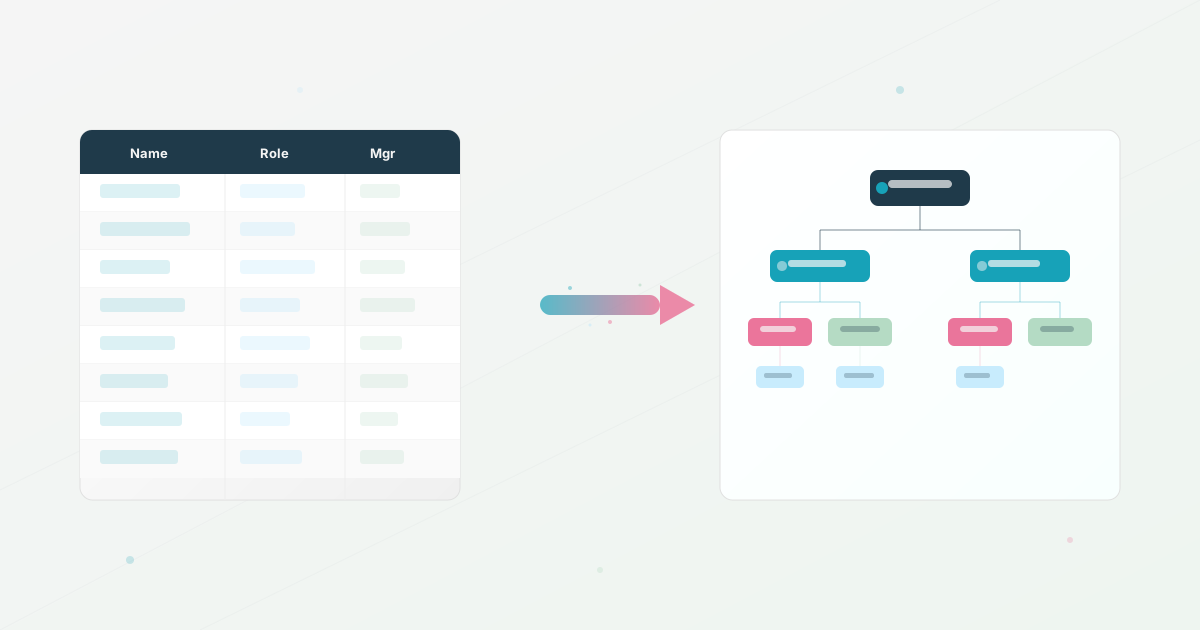
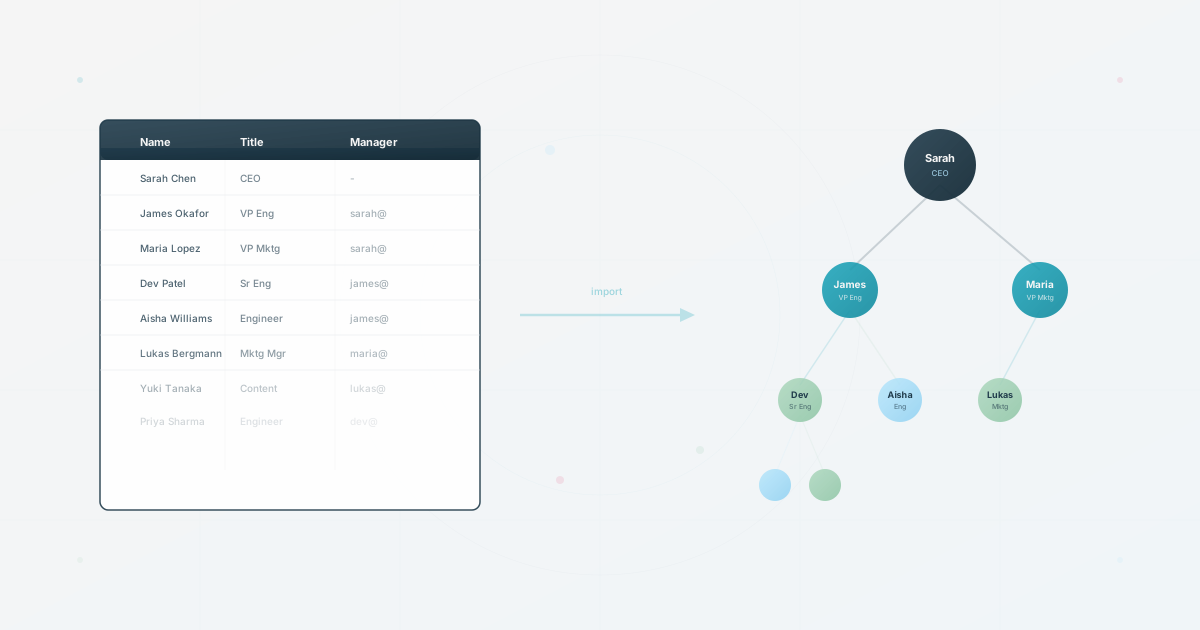
Across all four stages, one pattern holds: the org chart that works is the one people use. A beautiful chart that is three months stale can be less useful than an ugly spreadsheet that is current. A comprehensive chart that nobody can search is less useful than a simple one that people can open quickly. Pick a format that is easy to update. If updating the org chart requires opening PowerPoint, reformatting boxes, and re-exporting a PDF, maintenance becomes harder to sustain. A quick import from your existing spreadsheet gives the team a simpler update path.
Does Your Structure Match Your Size?
Use this to assess whether your current structure matches your current size:
- Can every employee name their direct manager without hesitating? (If not, your chart is missing or outdated)
- Can a new hire navigate the company structure without asking HR? (If not, your chart isn’t accessible enough)
- Does your org chart reflect changes within a week of them happening? (If not, your update process is too heavy)
- When names are no longer enough: can people search by skill, not just name?
- When audiences need different fields: do you have filtered views from one governed source?
- Is your org chart tool connected to your employee data source? (If not, you’re maintaining two systems manually)
If your company has outgrown its current chart, the structure already exists in reality. Make it visible to the people who work inside it.
Use this today
Choose a template by the decision it must support
Leave the exercise with a right-sized structure with fields you can maintain.
- 01
Write the most important question for your current stage: who reports to whom, where does this team sit, or who can help with this work?
- 02
Choose the primary manager relationship and keep other groupings such as location, team, or project as separate fields.
- 03
Fill the template with a small but representative sample, including one manager change and one cross-functional relationship.
- 04
Review the result with a manager and a new hire. Remove fields they cannot use or that nobody has agreed to maintain.
Pass / fail check
The best template is the smallest structure that answers the current question and survives the next predictable change.
Questions readers ask most