Stop Building Org Charts
Many static org charts are hard to trust by the time employees need them.
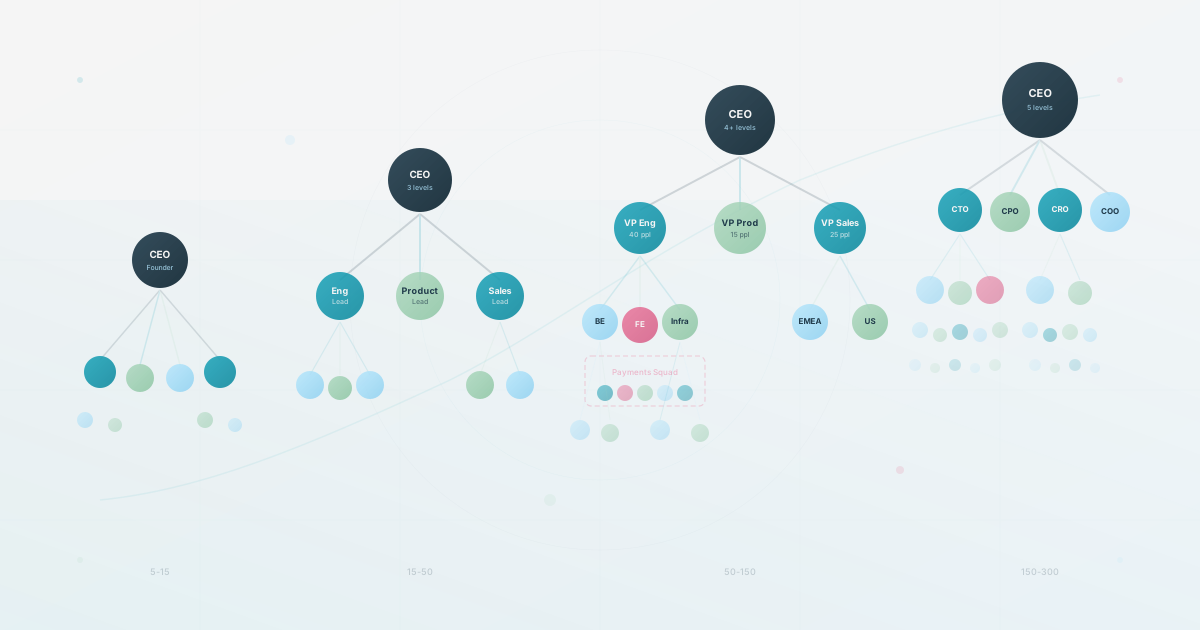
Not “poorly designed” dead. Dead as in they may describe an organization that has already changed by the time someone exports the PDF. Someone got promoted. A team split after a strategy change. Contractors started and the source data was not updated. The org chart you spent time building becomes a historical document instead of a dependable route to current information.
And yet every quarter, someone in HR dutifully opens PowerPoint, drags boxes around, and pretends this is useful work.
It isn’t.
What Employees Actually Ask
A small sample of real questions employees may ask as the organization becomes harder to navigate:
- “Who understands our billing infrastructure?”
- “Who on the design team has capacity right now?”
- “Who’s worked with the French market before?”
- “Who was involved in the last rebrand?”
- “Who can I pair with on this API migration?”
These are the questions that slow work down when they go unanswered. An engineer stuck on a payments bug needs the person who built that system, not a box labeled “Engineering.” A product manager scoping a launch in Lyon needs someone who has actually sold to French buyers.
None of these questions are only about hierarchy. They’re about expertise, availability, experience, and project history. A traditional org chart usually cannot answer them. For example, it may show that one colleague reports to another without showing their relevant experience, skills, or current availability.
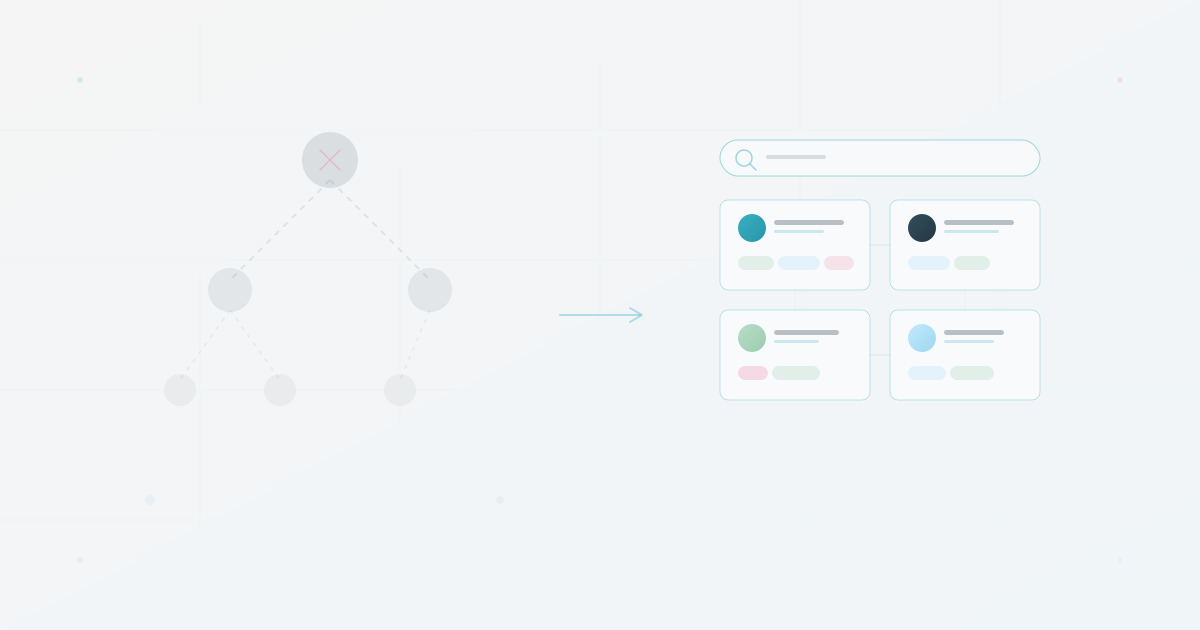
People asking these questions (new hires, individual contributors, cross-functional project leads) are an important audience. They need a searchable directory of humans, with context about what those humans know and what they’re working on.
Three Audiences, One Static Diagram
A common design mistake is asking one org chart to serve every audience without changing the view or the fields.
What the CEO looks at: Headcount by department. Spans of control. Reporting depth. Whether the org is getting top-heavy. These are structural questions, and a hierarchy diagram answers them reasonably well. This is the audience the org chart was designed for.
What the new hire looks at: Who is on my team? Who do I go to for design reviews? Who handles deployments? Who sits near me? The new hire may care less about the VP three levels up than about the names, faces, roles, and context for the people they will interact with first.
What the IC engineer may look at: The engineer may already know their manager and immediate team, but still need a route to someone with specific expertise. If the org chart contains no searchable context, they may post in Slack and hope for the best.
Three audiences, three different needs, and one static diagram that may serve the first while missing the questions of the others.
Do not start by polishing the diagram. Start by solving the problem most employees have: finding the right person. Hierarchy becomes one useful piece of metadata inside a system that makes the organization navigable.
What to Build Instead
Yes, we build org chart software. Yes, we’re telling you to stop building org charts. Those aren’t contradictory. What companies need is a living view of their people where hierarchy is one layer of context alongside profile fields that employees choose to share. Search behavior depends on the deployed tool and its supported fields, so test whether it can answer the questions your team actually asks.
Start with what you have, add context beyond titles, and make it searchable. We’ve written about importing from your existing data and creating different views for different audiences if you want the details.
If you are evaluating a tool to make that system real, compare the eight leading org chart options by how well they support search, updates, privacy, and everyday employee use. The hidden-cost audit helps you quantify the maintenance and routing work before changing the workflow.
Five questions to ask about yours
Five questions. Answer them honestly about your current org chart.
-
Could a new hire find the right person to ask about a billing issue within your team’s target time? Not “find their manager.” Find the specific person who knows the billing system. If the answer is no, the chart needs a better route to expertise.
-
If you deleted the org chart today, what work would fail first? If nobody would notice, the chart may be a compliance artifact rather than infrastructure people rely on.
-
Can an employee search for a skill or expertise area and get results? If your chart only supports browsing by hierarchy, it answers one question and misses many of the other questions people actually have.
-
Do different audiences see different views, or does everyone get the same diagram? The CEO and the intern have nothing in common as consumers of organizational data. If they see the same thing, at least one of them is being underserved.
-
When was the last time someone outside of HR voluntarily opened the org chart? If you can’t answer that, or the answer is “I don’t know,” you have the answer.
If several answers expose the same failure, your org chart may still be serving a smaller or more stable organization than the one you have now. Use the examples and the org chart health check to choose the first workflow to measure.
Use this today
Measure the job your current chart is supposed to do
Leave the exercise with a decision about whether you need a diagram, a directory, or both.
- 01
Ask five employees to find the right person for a real task without opening Slack first. Record the time and the route they take.
- 02
Ask the chart owner to make a new hire, manager change, and departure. Record how many places must be edited before the information is trustworthy.
- 03
Separate leadership presentation needs from everyday employee questions. They may need different outputs from the same source data.
- 04
Choose one experiment for the next two weeks: clean the source, add searchable context, or replace the static artifact.
Pass / fail check
If the chart cannot answer a real question or survive a normal change, stop polishing its layout and fix the information workflow first.
Questions readers ask most