Why an Org Chart Might Include Interests
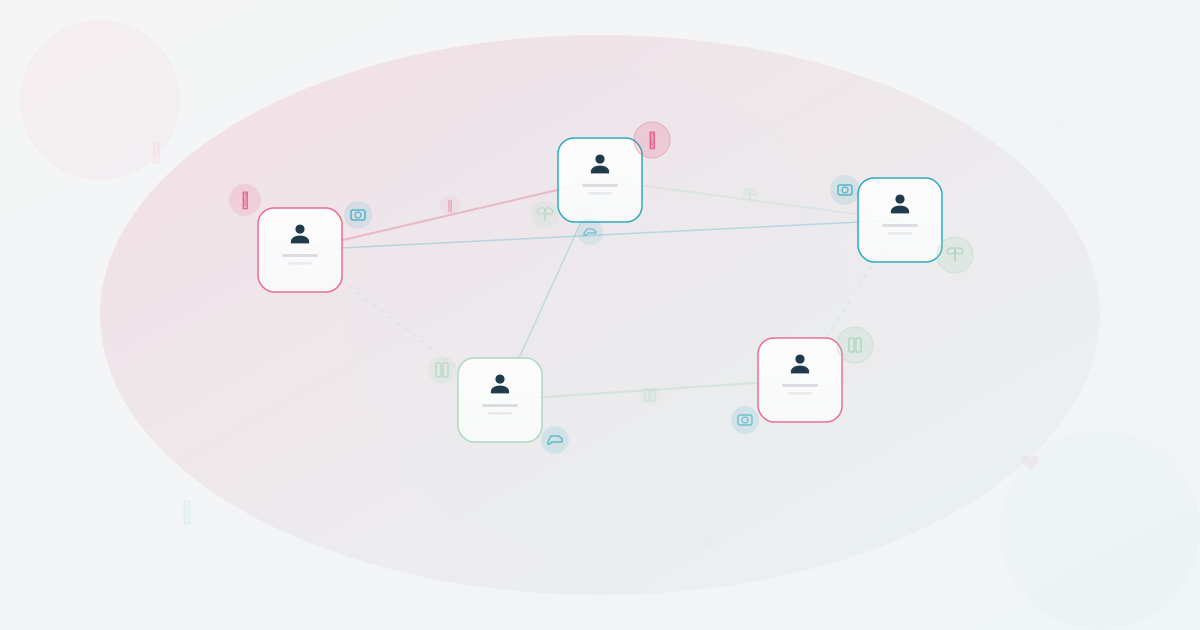
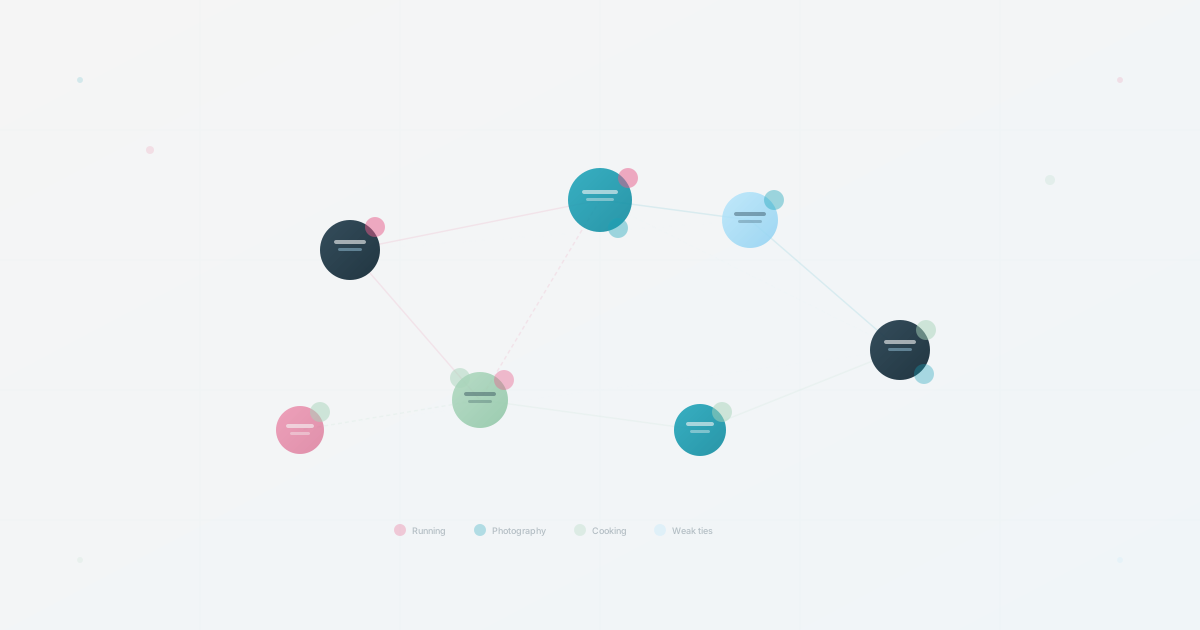
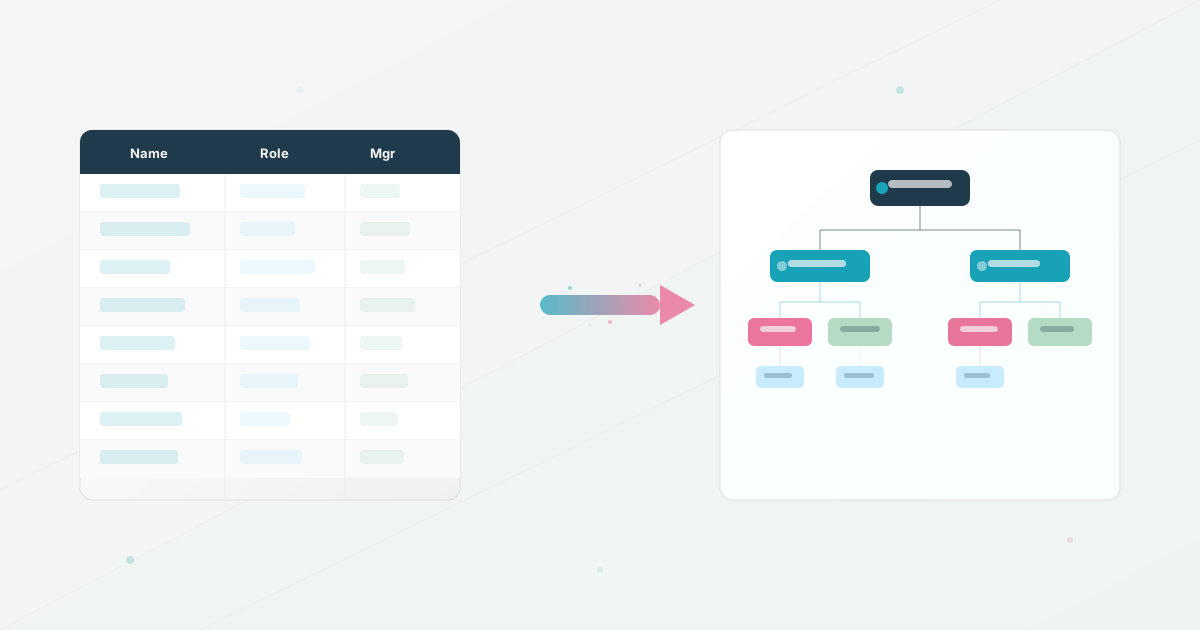
An org chart can answer one important question: who reports to whom? Employees often need other context too, such as who works on a topic, who sits in a nearby team, or who has chosen to share a conversation starter.
This article is a product rationale, not a customer case study. It does not claim that adding interests caused better culture, faster collaboration, or higher adoption. Those outcomes require permissioned evidence and a defined measurement plan.
The product question
Names, titles, and reporting lines are useful for structure. They do not necessarily make a people directory easy to browse or give colleagues a natural reason to start a cross-team conversation. The product question is narrower: can optional profile context help someone decide who to approach, without making personal disclosure part of the job?
That question is worth testing when employees already have a reliable way to find profiles. An interests field cannot repair stale employee data, weak search, unclear permissions, or a directory nobody knows exists.
Why keep the field optional?
Interests can be personal. Some employees may want to share a hobby, while others may prefer to keep work profiles strictly professional. A useful implementation should make the choice explicit:
- Explain who can see the field and whether it appears in search.
- Let people leave it blank, edit it, or remove it without asking a manager.
- Avoid inferring interests from social accounts, messages, or performance data.
- Use examples that are clearly fictional unless a person has agreed to publication.
- Do not use the field to evaluate commitment, personality, or cultural fit.
The point is not to make everyone more social. It is to give willing participants a small amount of context that may make a future conversation easier.
A testable workflow
Start with a voluntary pilot tied to one real job, such as cross-team buddy matching or finding someone who can advise on a topic. Define the audience, the visible fields, and the period of the test before collecting anything.
Measure behavior rather than assuming a result. Useful signals include profile searches, introductions that mention the field, time to route a real question, and whether participants want to keep the field. Do not treat profile completion, page views, or a positive anecdote as proof of improved collaboration.
The team-hobbies article covers the broader pilot, while the onboarding checklist can help structure a buddy experiment. Keep shared interests as one optional input alongside role, time zone, availability, reporting conflicts, and the new hire’s preferences.
What the feature cannot replace
Interests do not replace accurate reporting lines, searchable expertise, a clear owner for employee data, or respectful team norms. They should not become a proxy for engagement or a requirement disguised as culture work.
If the underlying directory is stale, fix the source and update workflow first. If employees cannot find a person by skill or team, improve search and profile structure first. If a sensitive audience needs a different view, write the visibility rules before adding more profile fields. The org chart scorecard is a practical way to check those foundations.
The honest product lesson
An interests field is a small design choice with a large consent surface. It can make a profile more human for people who choose to share, but its value depends on discoverability, privacy, and a real use case.
The responsible standard is simple: make the field optional, make the visibility understandable, and measure whether it helps with a question employees actually have. If it does not, remove it or change the workflow. A people directory should serve its users, not ask them to perform a culture story.
Use this today
Turn an interest field into a safe product experiment
Leave the exercise with a voluntary pilot with a useful measure and clear boundaries.
- 01
Add one open prompt: what would you be happy for a colleague to know? State that leaving it blank is fine.
- 02
Seed a few examples from people who understand the visibility choice. Do not imply that personal information is required for belonging or performance.
- 03
Create one practical use, such as an opt-in buddy match or a cross-team introduction, and tell participants what will happen next.
- 04
Measure repeated use and useful connections alongside completion. A full field is not valuable if nobody uses it to find or contact someone.
Pass / fail check
Keep the field when people choose to share and can point to a helpful interaction. Remove it from the default view if it creates pressure without a use.
Questions readers ask most